
Key takeaways
- 1A cloud-only POS has one hard failure: with no internet there are no orders, no kitchen tickets and no closing bills, which is what a busy counter feels most.
- 2There are three designs: cloud-only, an offline edition that runs on the shop PC, and offline-first with sync. Each trades simplicity against reporting.
- 3An offline edition keeps each till’s sales on that till. It is simple and robust, but two tills do not share one set of numbers.
- 4Anything that writes in two places needs a rule for which change wins, which is why sync is the hard part to get right.
- 5Whatever you choose, test the money logic: a bill split between cash and a mobile wallet must not leave the drawer short.
A restaurant POS can handle an internet outage in three ways. A cloud-only POS stops. An offline edition runs on the shop PC and keeps selling, with each till keeping its own sales. An offline-first system works offline and syncs later, which gives one set of numbers but is harder to build. Choose by asking what must keep working, how many tills or branches you have, and who looks after backups.
What breaks when the internet drops
A cloud POS is simple to run and easy to report from, but it has one hard failure: no internet means no POS. No orders, no kitchen tickets, no closing bills. On a busy counter that is the failure a restaurant feels most, and the one a vendor's demo rarely shows.
The honest question for any vendor is not "do you work offline?" but "what exactly works offline, and what do I lose?"
Three designs compared
| Cloud-only | Offline edition on the shop PC | Offline-first with sync | |
|---|---|---|---|
| Sells without internet | No | Yes | Yes |
| One set of numbers across tills | Yes | No: each till keeps its own sales | Yes, after syncing |
| Complexity | Lowest | Low | Highest: needs rules for conflicts |
| Backup | Vendor's servers | Copy the till's folder | Both local and cloud |
| Best for | Reliable connection, several branches | One till or one shop that must never stop | Several branches that also must never stop |
What must keep working offline
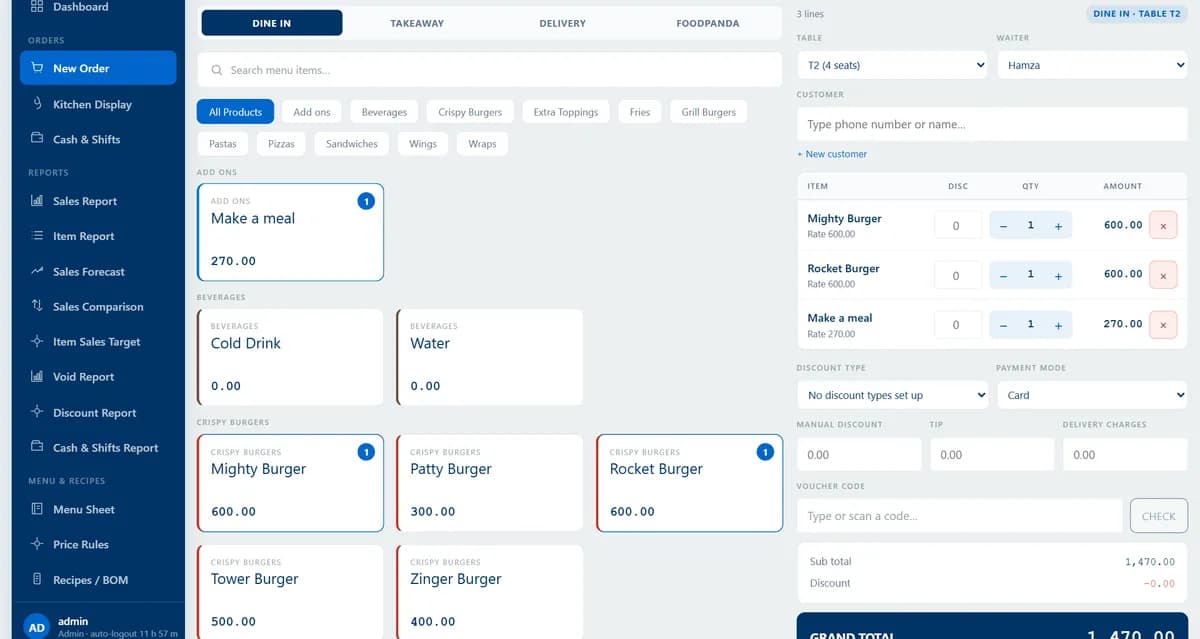
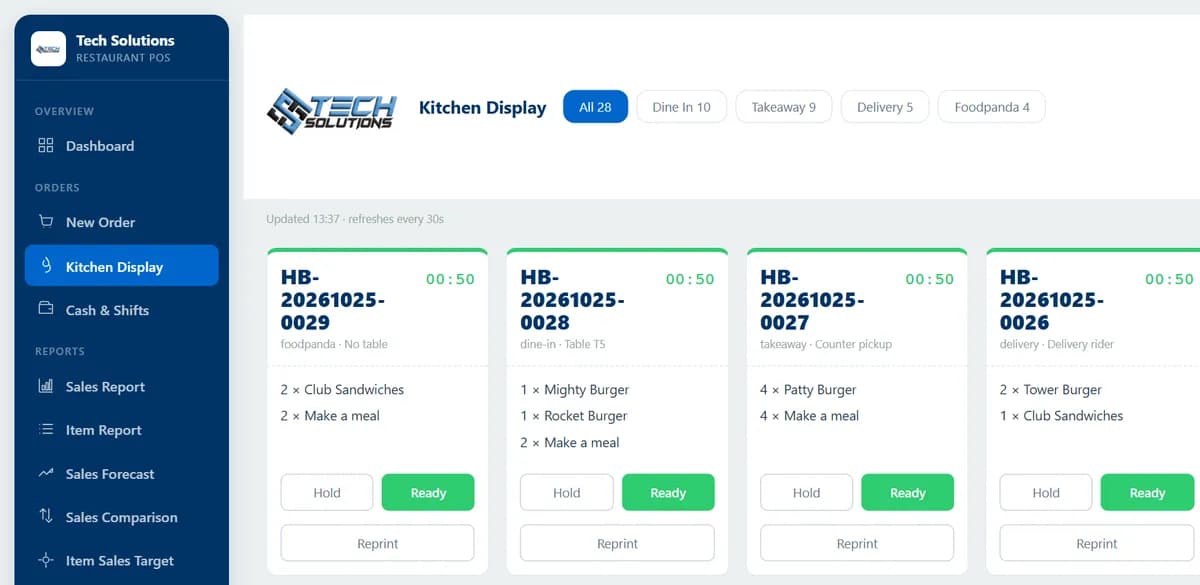
For the counter to carry on, these need to work with no connection:
- Taking orders for dine-in, takeaway and delivery.
- The kitchen display or printed tickets.
- Cash and shift handling, including opening a shift, counting the drawer and closing it.
- Receipts and closing bills.
- Stock deduction and reports for that till.
What an offline POS cannot do
Be clear about the limits before you buy:
- Online orders. Orders from WhatsApp, delivery apps or a guest's phone need the internet. If you take them, see our guide to WhatsApp ordering for restaurants.
- Card and wallet payments usually need a connection. Ask the vendor and your bank what happens when the line is down.
- Combined reporting. In an offline edition, two computers each keep their own sales. If you need one report across branches, you need sync or a cloud system.
How we built an offline edition
We built an offline restaurant POS for a fast-food restaurant in Pakistan as a self-contained Windows bundle: a cloud edition and an offline edition shipped from one codebase, with the same till, kitchen display, cash shifts, stock and reports. The offline folder carries its own runtime and database, and nothing is installed into Windows, so deleting the folder removes the software completely. Backing up is closing the POS and copying the folder.
We chose not to build sync for that edition. Anything that writes in two places needs a rule for which change wins, and that is the part nobody wants to discover late on a live till. The full story, including the bugs, is in our case study of how we built an offline restaurant POS.
Test the money logic
Offline or not, test how the POS treats payment methods. In one of our early builds the drawer logic matched the word "cash" in a payment method's name, which also matched JazzCash, a mobile wallet. Wallet money never enters the drawer, so the till expected more cash than it held and would have declared a cashier short. Ask the vendor to run a bill split between cash and a wallet and show you the drawer reconciliation.
Questions to ask before you buy
- 1What works offline and what does not?
- 2Where is the data stored, and how is it backed up?
- 3Do two tills or branches get one set of numbers, and how?
- 4How are card and wallet payments handled when the connection is down?
- 5Does the drawer reconcile correctly with a split cash and wallet bill?
- 6Who owns the data, and what happens when we leave?
Our POS systems page explains what we build, and our restaurant POS guide for Pakistan walks through 12 features with real screens. Tell us how many tills you run and how reliable your internet is and we will tell you which design we would choose.
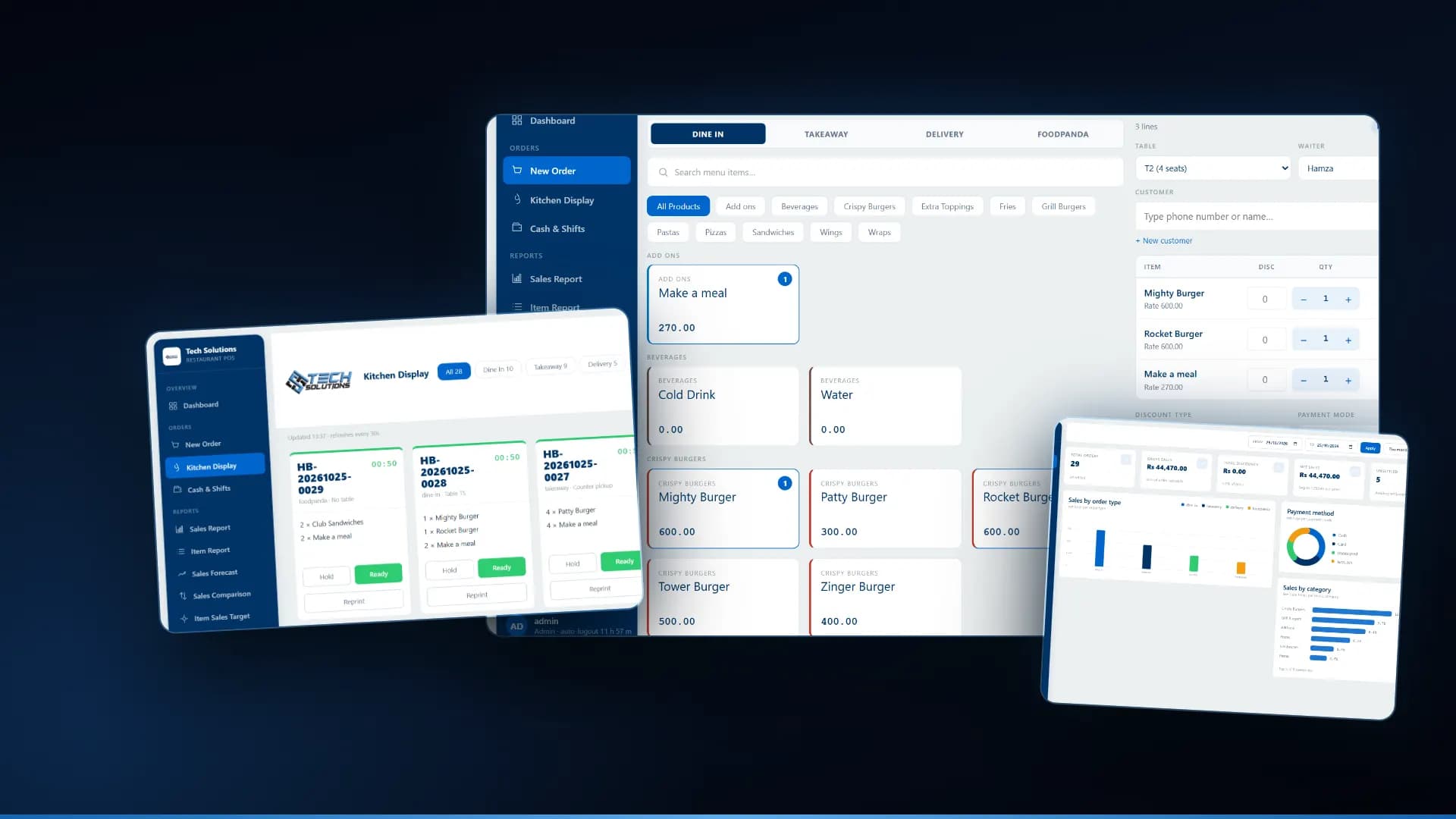
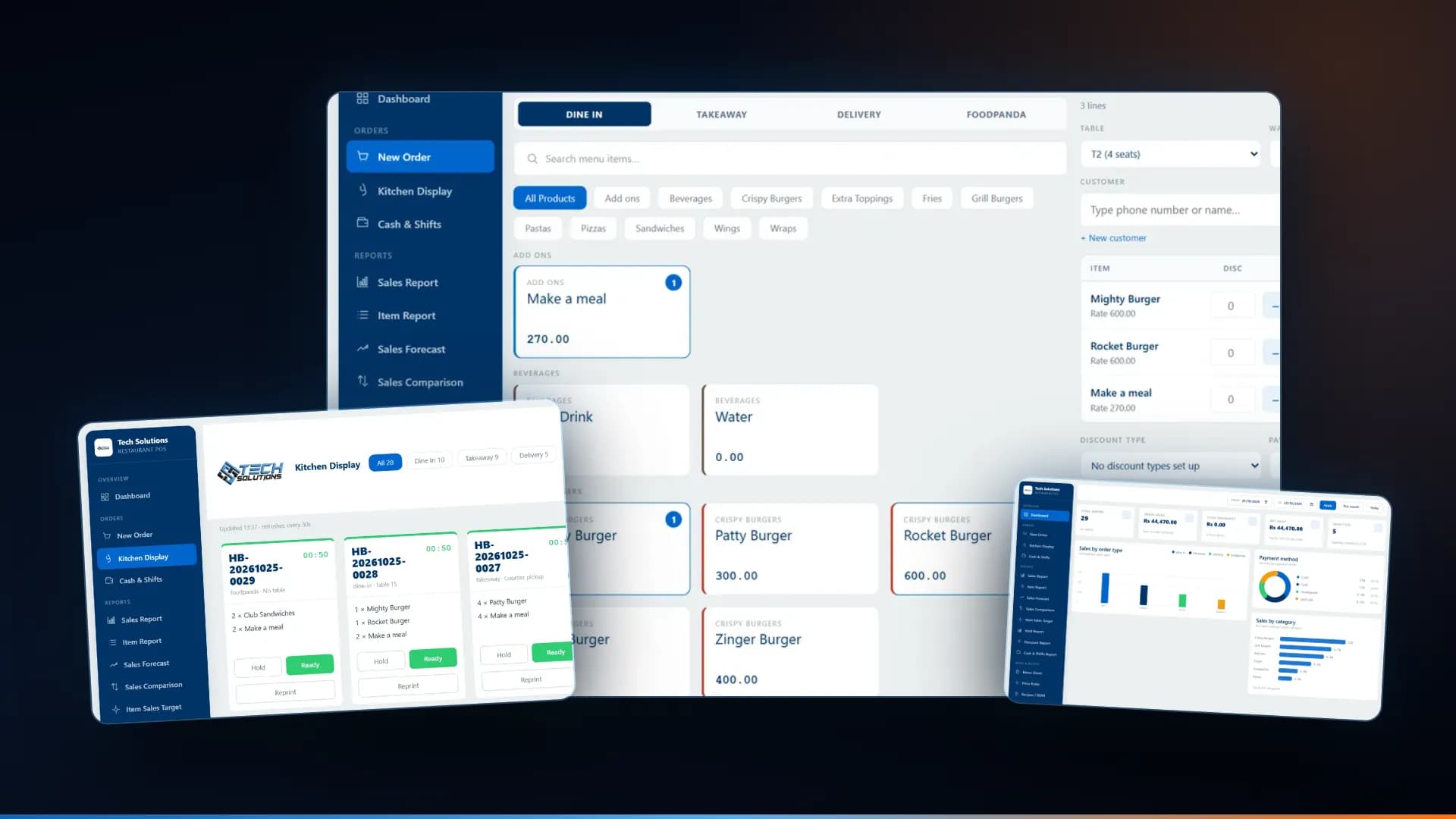
*Screens are from our restaurant POS, shown with a demonstration menu and sales.*
Frequently asked questions
Yes, if it is built to. An offline edition runs on the shop PC and keeps taking orders, sending kitchen tickets and closing shifts with no connection. A cloud-only POS stops when the internet stops, so ask the vendor which kind you are buying.
Anything that depends on the internet: online and marketplace orders, guest ordering from a phone, and usually card and wallet payments that need a connection. Reports also stay on that till unless the system syncs, so ask what is and is not available offline.
An offline edition runs entirely on the shop PC and keeps its own sales. Offline-first with sync keeps working offline and later sends its data to the cloud. Sync gives one set of numbers across tills, but needs rules for which change wins when two places edit the same record.
In our offline edition each till is a single folder, so the backup is to close the POS and copy the folder. Whatever the system, ask where the data lives, how it is backed up and who tests a restore.
Yes. We built an offline edition for a fast-food restaurant in Pakistan as a self-contained Windows bundle, and a cloud edition from the same code. We deploy and support restaurant systems for Pakistan, Saudi Arabia and the UAE.
Get new articles by email
How we build automation and software, with the lessons learned. One short email when a new article goes up. No spam.
- #Restaurant POS
- #Offline POS
- #POS Systems
- #Restaurant Software
- #Pakistan