Key takeaways
- 1We shipped the same restaurant POS in two editions: a cloud edition and an offline edition that runs on one shop PC with no internet.
- 2The offline edition carries its own Node runtime, its own PostgreSQL engine and a database already loaded with the menu, so setup is one double-click.
- 3Drawer reconciliation once matched tender names against the word “cash”, which also matches JazzCash. A real isCash flag on each payment method fixed it.
- 4Single-use vouchers are redeemed under a row lock inside the order’s own transaction, so two tills cannot spend the same code.
- 5QR table orders wait for staff approval before reaching the kitchen, and every price comes from the database, never from the guest’s phone.
We built an offline POS system for restaurants by shipping one codebase in two editions: a cloud edition hosted online, and an offline edition that runs on a single shop PC with no internet and nothing to install. Both share the same till, kitchen display, cash shifts, stock and reports. This post covers how we got there, the cash-drawer bug that could have accused an honest cashier of theft, and what we would tell any restaurant facing the same choice.
The client is a fast-food restaurant in Pakistan. They wanted one system for orders, the kitchen, the cash drawer and the stock room, and they wanted it to keep working when the connection did not.
The problem
Before the project, orders, the kitchen, the cash drawer and the stock room were run as separate jobs. Nobody could say with confidence what a shift actually took in, what the food really cost, or where stock went. Cash variances and voided items had no record of who did what.
Connectivity added a second problem. A cloud POS is simple to run and easy to report from, but it has one hard failure: no internet means no POS. No orders, no kitchen tickets, no closing bills. On a busy counter that is the failure a restaurant feels most.
Why did we build a separate offline edition?
Cloud first, with the trade-off written down
The main system is a Next.js and TypeScript app on PostgreSQL, using Prisma, hosted on Railway with the app and database in one project on a private network. We chose that over a serverless host plus a separate database because an order writes several rows, and keeping the database a private hop away keeps each query fast. A long-running server also holds an ordinary connection pool and never goes to sleep when idle.
We documented the trade-off plainly in the deployment guide: this edition depends on the connection, and the restaurant should judge it against their actual line before going live.
An offline edition that is a whole till in one folder
An earlier plan had a local database on the shop PC with a one-way push to the cloud. That path was dropped at the owner’s request. Instead, we built a separate offline edition as a self-contained Windows bundle.
The folder carries its own Node runtime, its own PostgreSQL engine and a database that already holds the restaurant’s menu: 14 categories, 41 items and 26 priced sizes, with cash and card payment methods and dine-in, takeaway and delivery order types. Nothing is installed into Windows. There are no services and no registry entries, and deleting the folder removes the software completely.
Build the database before it ships, not on first run
The embedded PostgreSQL package contains only the core server binaries, with no tools to restore a database dump. So our build script creates the database, applies the schema and loads the menu on our side, reads the menu back out to prove it worked, and then ships the finished data directory inside the bundle. On the restaurant’s PC, first run just starts it. It is fast and it cannot half-fail.
No shipped passwords, no shipped sales
The bundle carries no user accounts. On first run it asks for a manager password of at least eight characters, set on that machine only, so one leaked copy of the bundle is not a leaked login on every till. It also carries no past sales. A new till starts at zero, because another machine’s takings in its reports would be fiction.
Why we did not build sync
The offline edition is completely separate from the cloud edition. Sales rung up offline stay on that PC, and two computers each keep their own sales. That was a deliberate choice. Anything that writes in two places needs a rule for which change wins, and that is the part nobody wants to discover late on a live till. One folder per till is simple to back up as well: close the POS and copy the folder.
What went wrong and how did we fix it?
The JazzCash bug in the cash drawer
Drawer reconciliation works out what should physically be in the till: the opening float, plus cash sales, plus pay-ins, minus pay-outs and safe drops. The cashier counts the drawer, and the difference is the variance.
The original code decided which payments belonged in the drawer by matching the payment method’s name against the word “cash”. That also matches JazzCash, a mobile wallet. Wallet money never enters the drawer, so the till expected more cash than it held. A branch taking a large amount in wallet payments would be declared short by exactly that amount, and a cashier accused of it for taking a payment correctly.
The fix was to stop inferring anything from a name. Each payment method now has a real isCash flag stored in the database, and every screen that reconciles money reads that flag and nothing else. We wrote an automated check suite of 19 assertions around it. It opens a drawer, sells an item split across a cash tender and a wallet tender, closes and reconciles the shift. If JazzCash is marked as cash, the first three assertions fail with the drawer overstated by exactly the wallet takings.
Bills closed without a payment record
A second bug pointed the same way. Closing a bill with the confirm button used to mark it settled without writing a payment row, so the drawer report could not see those sales and expected only the opening float. Confirm now writes one payment for the outstanding balance in the same transaction, under a row lock so a double click cannot write it twice. It refuses to settle a bill with no payment method rather than guess whether it was cash. A separate backfill script repaired older bills, and it shows what it would change before writing anything.
A delivery charge is not a tip
For a short time delivery charges were treated like tips and paid back out of the drawer. That was wrong for this restaurant: the charge is the restaurant’s own revenue. A good delivery night made the till read short by exactly what it earned. We removed that payout so delivery charges stay in sales.
How do vouchers and QR orders stay honest?
Vouchers are codes, not figures typed at the till. Checking a code and spending it are separate steps, so a cashier can check one without using it up. When the order is saved, the server re-checks the voucher under a row lock inside the order’s own transaction and records one redemption for that voucher on that order. A single-use code stays single-use even if two tills race for it.
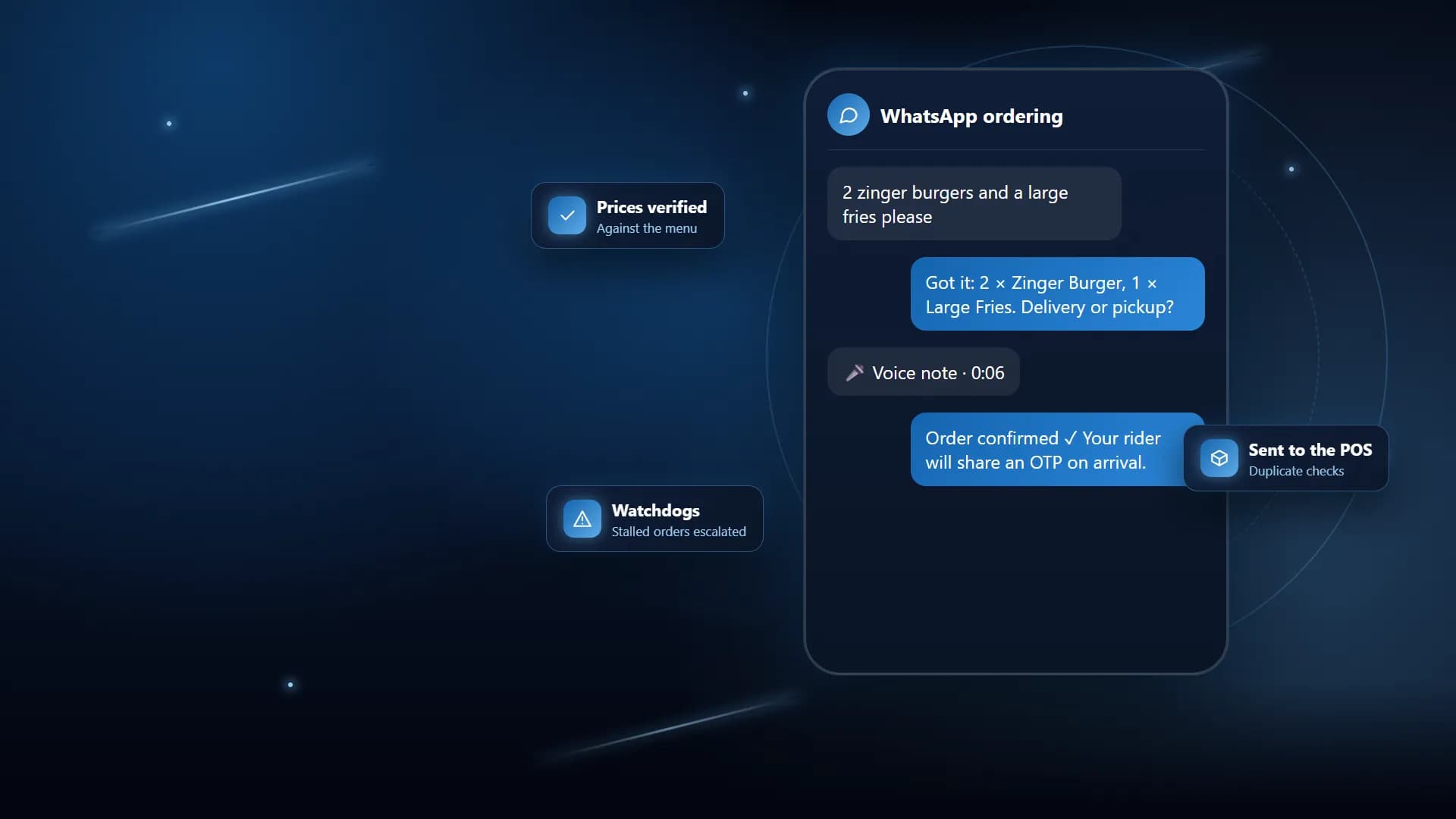
QR table ordering is the one part of the system open to the internet, so it trusts nothing about money from the phone. The guest sends item ids and quantities. Prices are read from the database, any price in the request is ignored, and discounts, delivery charges and payment methods are not accepted at all. Every item is checked to belong to that branch before it is priced. The order arrives as pending and does not reach the kitchen display until a member of staff approves it.
Voids follow the same rule. Removing an item the kitchen has already seen records a reason and an approver, and the amount comes from the stored line, not from the browser.
Lessons
- Never decide what money is from its label. Store the fact, such as whether a payment method is cash, and read it everywhere.
- Write down the trade-off of a cloud-only till before go-live, not after the first outage.
- An offline install should be one folder that already works. Build and test the database before it ships.
- Do not ship default passwords or another till’s sales.
- Sync is its own project. If you are not ready to decide who wins a conflict, keep editions separate.
- Anything a guest can post, treat as untrusted, especially prices.
Checklist for businesses with the same problem
- Does your till keep working if the internet drops? If not, is that written down and accepted?
- Are mobile wallet and card takings kept out of the expected cash in the drawer?
- Does every closed bill have a payment record against a payment method?
- Is each shift opened with a declared float and closed with a counted amount?
- Do voids and refunds record a reason, the cashier and an approver?
- Can a single-use voucher be used twice if two tills try at once?
- Do online or QR orders take prices from your menu database, and wait for staff before the kitchen sees them?
- Can you back up and move your offline till by copying one folder?
See the full project
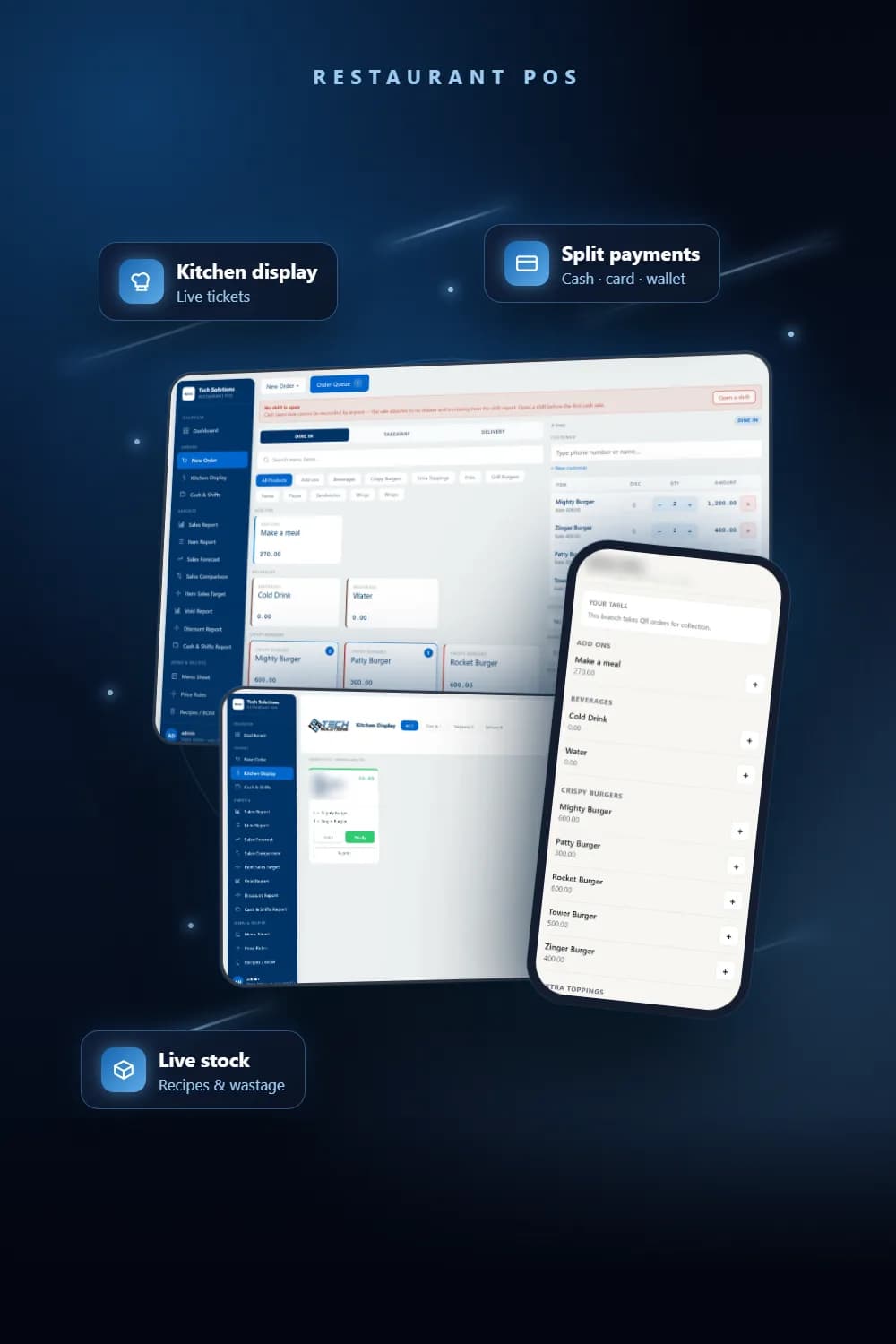
The full project shows the till, kitchen display, menu sheet and QR ordering screens. For a ready-made starting point, see our restaurant management system. We build POS systems, inventory management and payment integrations for businesses that need their numbers to add up. If your till has the same problems, talk to us.
Frequently asked questions
Yes. Our offline edition runs entirely on one Windows PC: the app, the database and the menu all live in one folder, and nothing needs to be installed or connected. Sales stay on that machine.
No, and that is deliberate. The two editions are completely separate. Two-way sync needs a rule for which change wins when a row is edited in two places, and we chose not to guess at that rule on a live till.
Because the money never enters the drawer. If wallet takings are counted as cash, the expected drawer total is overstated and an honest cashier appears short by exactly the wallet amount.
The server re-checks the code under a database row lock inside the same transaction that saves the order, and records one redemption per voucher per order. A second till racing for the same code is refused.
It is when the server ignores any price sent from the phone. Our QR orders send only item ids and quantities; prices, tax and service charge are read from the database, and the order waits for staff approval.
See the full project
Services used in this project
Get new articles by email
How we build automation and software, with the lessons learned. One short email when a new article goes up. No spam.
- #POS systems
- #Restaurant software
- #Offline software
- #Cash management
- #Case study