
Microsoft Azure Services in Pakistan
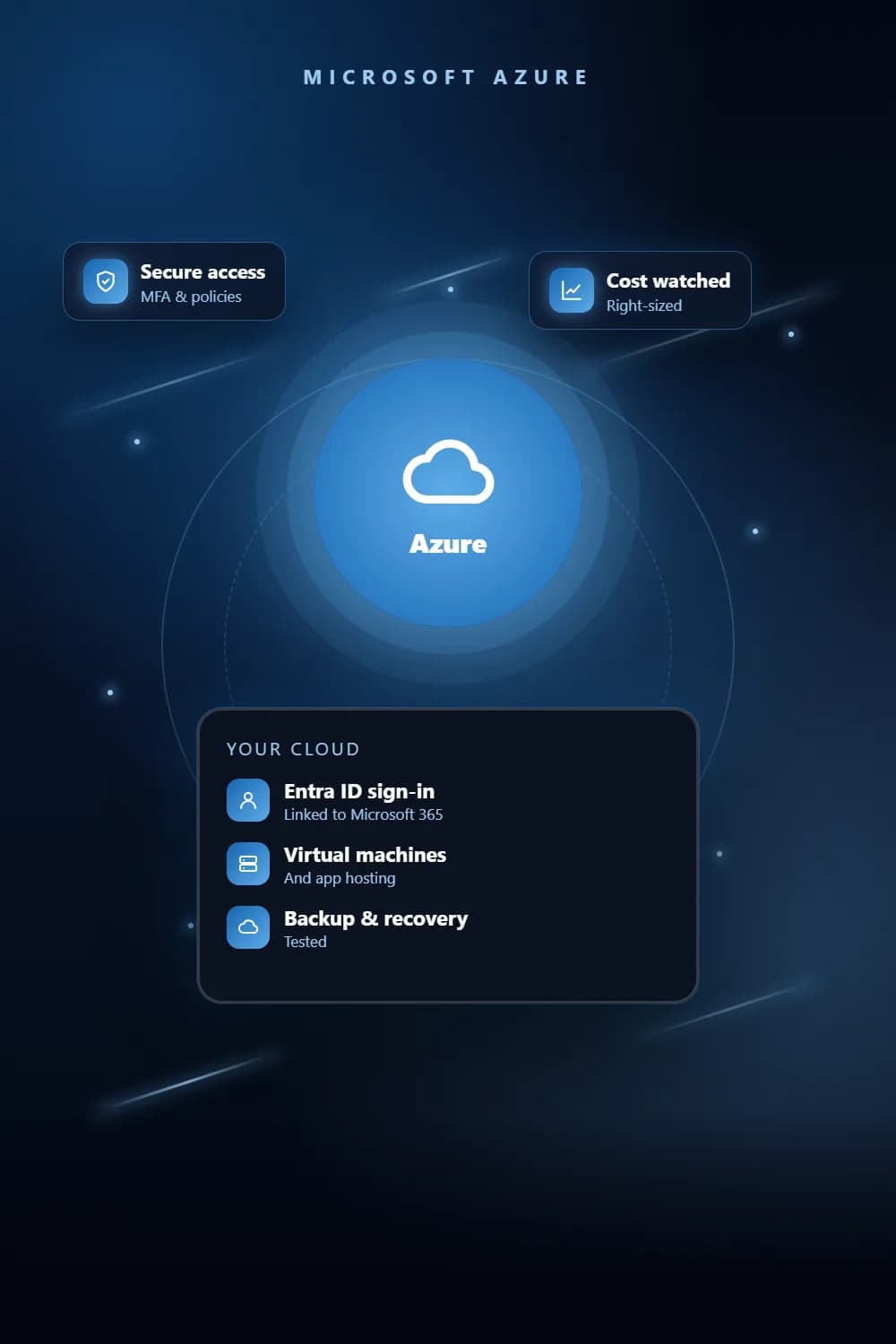
Microsoft Azure services put your hosting, storage and sign-in on the same platform as Microsoft 365. We set up Azure AD so staff use one account across Microsoft 365 and your business apps, and host applications, files and backups on Azure, sized to what you use.
Key takeaways
- 1Azure AD sign-in shared across Microsoft 365 and your business apps.
- 2Hosting, storage and backups on Azure, next to your Microsoft 365 data.
- 3App registrations and permissions set up for Microsoft Graph automations.
- 4Access reviewed so leavers lose every app in one step.
The problem
Why businesses need Azure Services
A different password for every app
Staff juggle separate logins, reuse passwords, and keep access to some apps after they leave.
Automations with too much access
Scripts that touch Microsoft 365 run with an admin account instead of their own limited permissions.
Hosting split across providers
Apps, files and backups sit in different places, so nobody has the full picture.
What you get
What does our Azure Services service include?
Azure AD identity
Users, groups and sign-in set up so one account works across Microsoft 365 and connected apps.
Single sign-on for business apps
Your web apps and dashboards connected to Azure AD, so access is granted and removed in one place.
App registrations for automation
Each Microsoft Graph automation gets its own registration with only the permissions it needs.
Hosting and storage
Applications, files and backups hosted on Azure and kept up to date.
Access reviews
Regular checks of who can reach what, so old accounts and permissions do not linger.
How it works
How we deliver Azure Services
- 1
Assess
We review your Microsoft 365 tenant, the apps you use and where they are hosted today.
- 2
Design
We agree the identity, hosting and access set-up with you before making changes.
- 3
Set up & migrate
We configure Azure AD, connect apps and move hosting across, testing each step.
- 4
Run & review
We monitor the set-up, manage changes and review access as your team changes.
Tools & platforms
What we build with
- Microsoft Azure
- Microsoft Entra ID (Azure AD)
- Microsoft 365
- Microsoft Graph
- SharePoint
Industries
Who it's for
- Corporate & professional services
- Logistics & fleet
- Restaurants & retail chains
- Security & facilities
Pricing
What affects the cost of Azure Services?
Every project is quoted on its scope. These are the factors that move the price.
Number of users and apps connected to Azure AD.
What is hosted on Azure and how much data it stores.
Whether existing systems need migrating from another provider.
Ongoing management and access reviews after launch.
Azure usage fees, which are billed by Microsoft based on what you use.
FAQ
Frequently asked questions
Azure AD is the sign-in system behind Microsoft 365. Microsoft renamed it Microsoft Entra ID in July 2023, with the same features and licences. If you use Microsoft 365, you already have it, and it can also handle sign-in for your other business apps.
Not at the moment. Microsoft’s published list of Azure regions has none in Pakistan, so businesses here host in a nearby region such as UAE North in Dubai or Qatar Central in Doha. We test from your office before choosing, and check whether your clients or sector set rules on where data must be stored.
If you already use Microsoft 365, Azure often fits best because sign-in is shared through Azure AD. AWS suits many web applications. We recommend based on what you run and what you already pay for.
Yes. We connect your web apps and dashboards to Azure AD, so staff use their Microsoft 365 account and lose access when it is closed.
Each automation gets its own app registration with only the permissions it needs, rather than running under an admin account.
Related
Services that work well with this
Need Azure Services? Get a free quote.
Tell us what you need. We reply within one business day with a clear scope and quote.