
Microsoft 365 Management Services in Pakistan
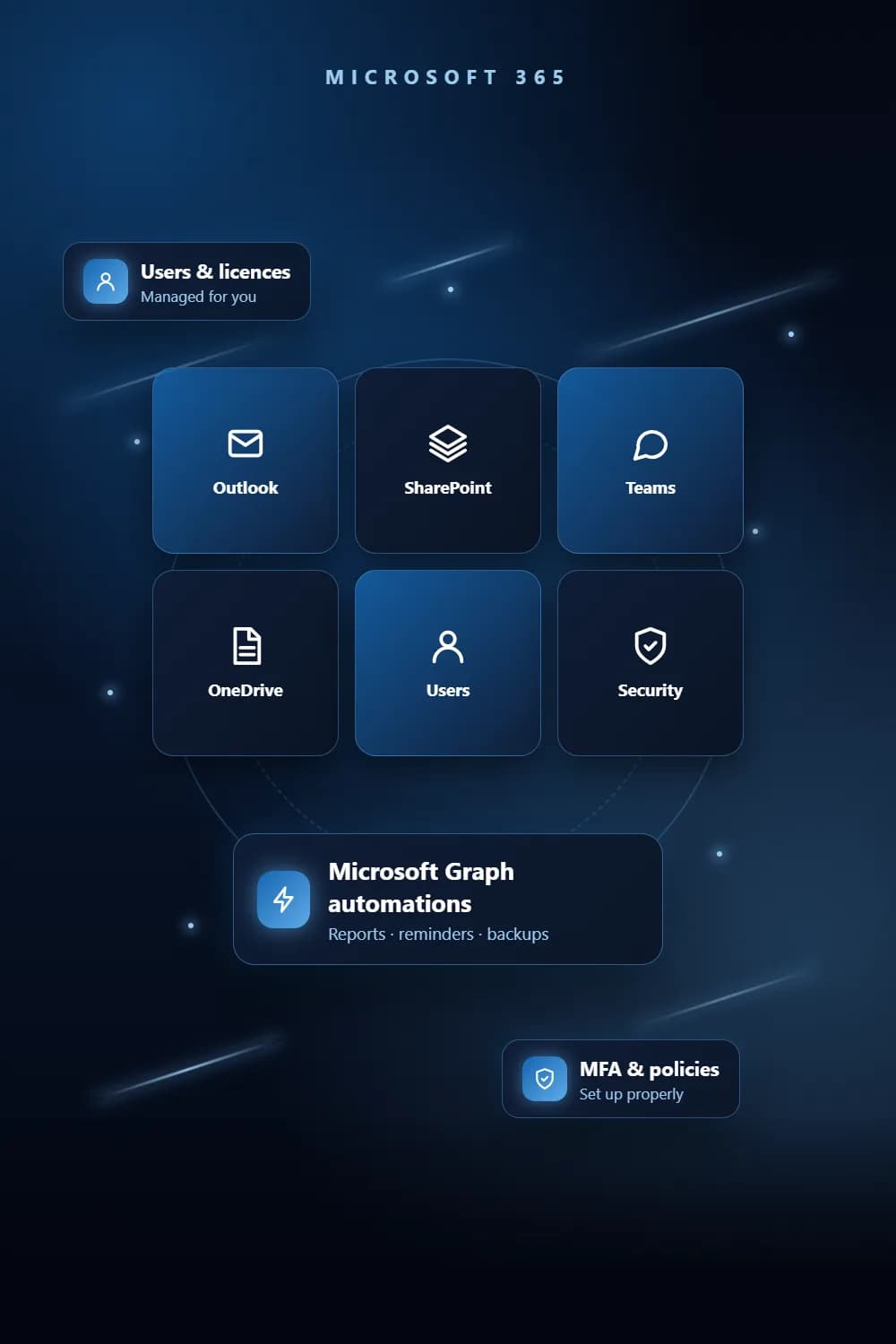
Microsoft 365 management means keeping your users, mailboxes, SharePoint, security policies and licences in order. We run the day-to-day admin and automate the routine jobs through Microsoft Graph, such as archiving old email, backing up call recordings to SharePoint and sending scheduled reminders.
Key takeaways
- 1Users, mailboxes, SharePoint, security policies and licences managed in one place.
- 2Email archived automatically on a retention policy.
- 3Microsoft Graph automations: mailbox reports, SharePoint backups, scheduled reminders.
- 4Joiners and leavers handled cleanly, so ex-staff lose access on time.
The problem
Why businesses need Microsoft 365 Management
Mailboxes that keep filling up
Old email piles up until mailboxes hit their limit, and someone has to clear them by hand.
Ex-staff with live access
Accounts of people who left stay active, with email and files still reachable.
Licences nobody has checked
You pay for licences without knowing who uses them or whether a cheaper plan would do.
Settings left on defaults
Security policies, sharing rules and sign-in protection were never set up properly.
What you get
What does our Microsoft 365 Management service include?
Users and licences
Accounts created, changed and closed, and licences matched to what each person actually uses.
Exchange Online mailboxes
Mailboxes, shared mailboxes and distribution lists set up and kept tidy.
SharePoint and file sharing
Sites, folders and permissions organised so people can find files and only the right people can open them.
Security policies
Sign-in protection, sharing rules and access policies set up and reviewed.
Automated archiving and backups
Old email archived on a retention policy, and PC files and 3CX call recordings backed up to SharePoint on a schedule.
Microsoft Graph automations
Mailboxes turned into scheduled reports, and reminders such as HR dates sent automatically.
How it works
How we deliver Microsoft 365 Management
- 1
Audit the tenant
We review users, licences, mailboxes, SharePoint and security settings, and list what needs fixing.
- 2
Clean up
We close old accounts, fix permissions, right-size licences and set security policies.
- 3
Automate
We set up archiving, backups and reports through Microsoft Graph so routine jobs run on schedule.
- 4
Manage & review
We handle day-to-day changes and review the tenant regularly as your team grows.
Tools & platforms
What we build with
- Microsoft 365
- Microsoft Graph
- Exchange Online
- SharePoint
- Azure AD
- Python
- 3CX
Industries
Who it's for
- Corporate & professional services
- Logistics & fleet
- Restaurants & retail chains
- Security & facilities
Pricing
What affects the cost of Microsoft 365 Management?
Every project is quoted on its scope. These are the factors that move the price.
Number of users, mailboxes and SharePoint sites.
How much clean-up the tenant needs at the start.
Which jobs are automated: archiving, backups, reports or reminders.
Whether you also need day-to-day IT support for devices and networks.
FAQ
Frequently asked questions
Managing users, licences, mailboxes, SharePoint and security policies, plus the routine jobs around them such as joiners, leavers, archiving and backups.
Microsoft 365 is billed per user per month, and the cost depends on the plan (Business Basic, Standard or Premium) and on monthly or yearly billing. We match each person to the plan they actually need so you do not pay for unused features, and we can connect it to Microsoft Azure for sign-in and hosting.
Yes. We archive email on a retention policy you agree, using Microsoft Graph, so mailboxes stay within their limits without anyone clearing them by hand.
Yes. We copy recordings from a 3CX phone system to SharePoint on a schedule, organised so they are easy to find.
Yes. We read a mailbox through Microsoft Graph and turn it into a scheduled report, such as a sales pipeline workbook.
We review which licences are assigned and used, and recommend changes. Whether costs go down depends on how your current licences are set up.
From the blog
Guides on Microsoft 365 Management
Related
Services that work well with this
Need Microsoft 365 Management? Get a free quote.
Tell us what you need. We reply within one business day with a clear scope and quote.