
Accounting Automation for Odoo and POS Systems
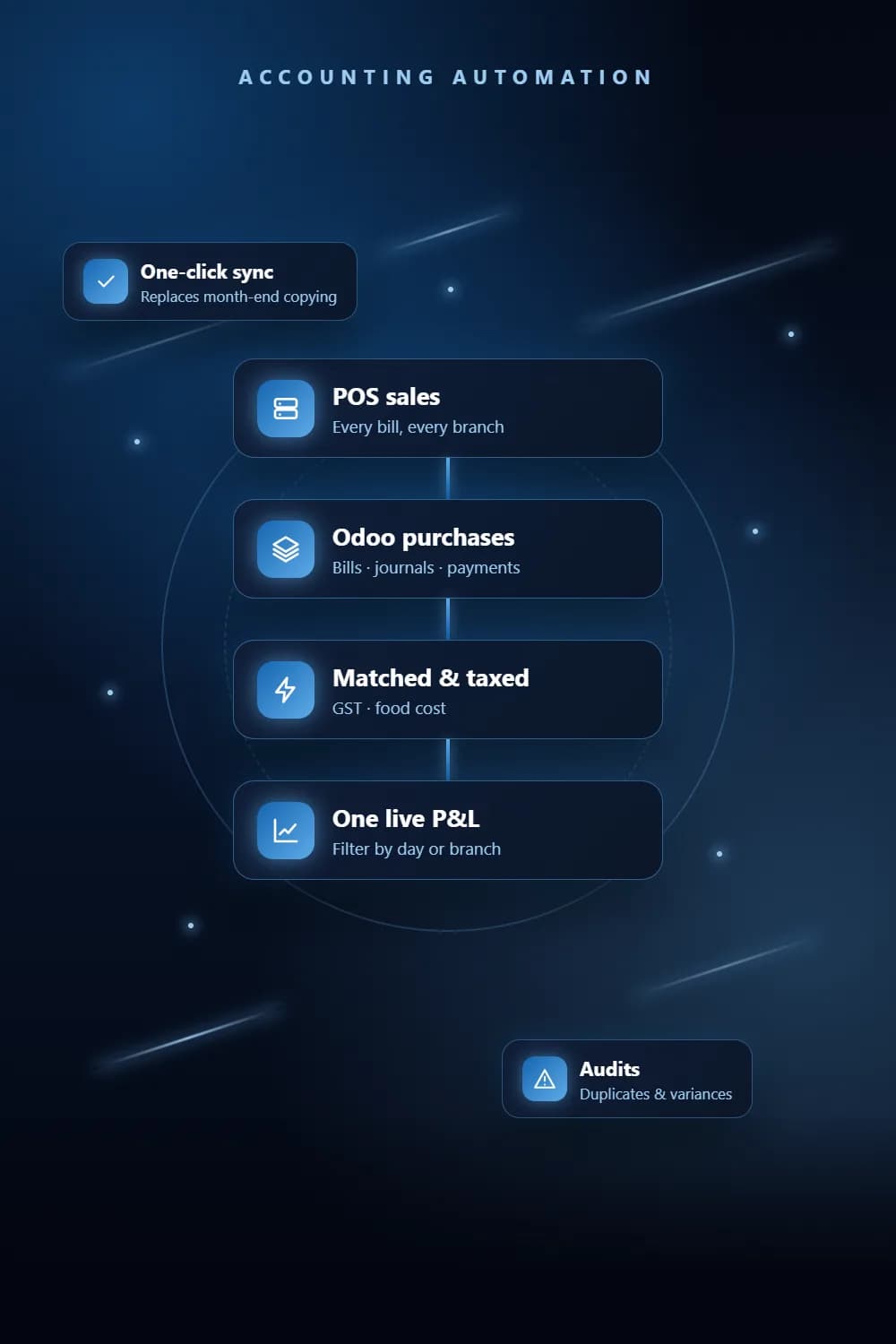
Accounting automation joins the systems your money moves through so the numbers agree without manual reconciliation. We pull POS sales and Odoo purchases into one live report, calculate GST and food cost automatically, generate invoices, and audit the books several times a day.
Key takeaways
- 1POS sales and Odoo purchases combined into one live profit and loss report.
- 2GST and recipe-level food cost calculated automatically.
- 3Invoices generated and expenses posted by bots, not typed by hand.
- 4Audits that catch duplicate bills and large variances while they are still fixable.
The problem
Why businesses need Accounting Automation
Two systems, no single P&L
Sales live in the POS and purchases in the ERP, so nobody sees real profit until someone stitches them together.
Month-end takes days
Exports, spreadsheets and manual checks turn closing the month into a week-long job.
Errors found too late
Duplicate bills and missing expense heads are only spotted at audit time.
Expenses entered by hand
Fuel cards, vendor bills and invoices are re-typed into the accounts one line at a time.
What you get
What does our Accounting Automation service include?
Unified sales and purchase reporting
Live connections into Odoo (JSON-RPC) and your POS feed one filterable report, cached so it stays fast.
Tax and food cost
GST computed automatically and a recipe layer that turns sales into ingredient cost.
Invoice generation
UiPath REFramework bots that create invoices unattended, with retries and exception handling built in.
Expense posting
Bots that read provider files, such as fuel-card statements, match each line and post the expense against the right record.
Continuous audits
Scheduled scans that follow PO to bill to journal to payment, flag duplicates and P&L swings, and email CSV and PDF reports.
How it works
How we deliver Accounting Automation
- 1
Map the money
We trace where sales, purchases and expenses are recorded today and where they are re-typed.
- 2
Design the ledger flow
We agree accounts, tax rules, matching rules and exceptions with your finance team.
- 3
Build & reconcile
We build the connections and reconcile against your real month until the numbers match.
- 4
Run & review
Reports refresh and audits run on schedule; we adjust rules as your chart of accounts changes.
Tools & platforms
What we build with
- Odoo JSON-RPC / XML-RPC
- QuickBill POS
- UiPath REFramework
- Python
- PostgreSQL
- Next.js
- Excel
Industries
Who it's for
- Restaurant groups
- Multi-company groups
- Logistics & fleet
- Retail
Pricing
What affects the cost of Accounting Automation?
Every project is quoted on its scope. These are the factors that move the price.
Which systems hold sales, purchases and expenses, and how they can be accessed.
Number of companies, branches and tax rules.
Whether invoices or expenses are generated, or only reported.
Report depth: P&L only, or food cost, variance and audit trails as well.
FAQ
Frequently asked questions
Yes. We have joined QuickBill POS sales with Odoo purchases in one live report. Where a system has no API, we use secure web-login adapters so no manual export is needed.
Yes. The tax rate is applied to every sale as it is pulled in, so the tax figure is always current rather than worked out at month-end.
A bot scans every company several times a day, follows each purchase order through bill, journal and payment, and emails a report of duplicates, missing heads and variances above a threshold you set.
No. It removes the copying and checking, so your accountant spends time on decisions and exceptions instead of data entry.
From the blog
Guides on Accounting Automation
Related
Services that work well with this
Need Accounting Automation? Get a free quote.
Tell us what you need. We reply within one business day with a clear scope and quote.