
Key takeaways
- 1There are four routes to take payments in Pakistan: a wallet gateway such as JazzCash or Easypaisa, a licensed card gateway, Raast QR through your bank, and manual methods such as bank transfer and cash on delivery.
- 2Wallet and card gateways are opened by you as a merchant, and integration details usually arrive with the merchant kit after you apply, so budget time for onboarding as well as coding.
- 3Raast QR is growing but is still new for merchants: Dawn reported over 770,000 Raast merchants in September 2025, with person-to-merchant volume far below person-to-person.
- 4Whatever you pick, never trust the customer’s browser redirect alone: confirm each payment with the provider’s server callback and match it to an order.
- 5Record each payment method separately in your system, so wallet and QR money does not get counted as cash in the drawer.
To accept payments in Pakistan you have four routes: a wallet gateway such as JazzCash or Easypaisa, a licensed card gateway, Raast QR through your bank, or manual methods such as bank transfer and cash on delivery. Most businesses combine two. The merchant account and its onboarding usually take longer than the code, so apply early, and make sure your system records each payment method separately.
Four ways to take payments
| Route | Best for | Customer pays with | What you set up |
|---|---|---|---|
| Wallet gateway (JazzCash, Easypaisa) | Online shops and bills where customers hold wallets | Mobile wallet, sometimes cards or over-the-counter | A merchant account with the provider, then integration |
| Card gateway from a licensed provider | Websites that want cards | Visa, Mastercard and local cards, depending on the provider | A merchant account, then integration |
| Raast QR through your bank | Shops, counters and invoices | Any banking app that scans the code | A merchant QR from your bank or wallet provider |
| Manual: bank transfer, cash on delivery | Getting started with no integration | Bank transfer or cash | Nothing technical, but you reconcile by hand |
No route is "best". The right one depends on where your customers pay (online, at the counter or at the door) and how much you can reconcile by hand.
What integration involves
Whichever provider you choose, the steps look much the same:
- 1Apply for a merchant account. Easypaisa says any business with a live website or app can apply through its merchant registration portal, and that its integration team then provides an integration guide. We could not find a public JazzCash API reference, so expect to get its documents during onboarding too.
- 2Get sandbox credentials and build against the test environment.
- 3Choose how checkout works. Most businesses start with a hosted checkout, where the customer pays on the provider's page, because it keeps card and wallet details off your system.
- 4Handle the confirmation on your server. The provider tells your server the payment succeeded. Do not trust the customer's browser coming back to your site as proof, because it can be faked or never arrive.
- 5Check the signature the provider sends with each confirmation, and make your handler safe to run twice, so a repeated message does not mark two orders paid.
- 6Reconcile and refund. Match each settlement to your orders. Ask the provider what refunds your merchant tier allows, because some only support full refunds or handle them in the merchant portal.
Fees, settlement times and refund rules are in your merchant agreement, not in the code, so ask for them in writing before you build.
Where Raast QR fits
Raast is the State Bank's instant payment system. Dawn reported in September 2025 over 770,000 Raast merchants, mostly using QR codes, but person-to-merchant volume was far below person-to-person: about 1.5 million transactions worth Rs4.5 billion from January to March, less than one day of person-to-person payments, which averaged 4.1 million a day. Dawn gave reasons merchants held back, including merchant fees and little experience among banks at acquiring merchants.
That is changing through policy. The State Bank has told petrol pumps to make Raast QR fully operational by 31 January 2027, which we covered in our news report on Raast QR at petrol pumps. For a shop, Raast QR is the simplest way to start: ask your bank which codes it supports and what it charges.
Check the provider before you sign
- Is it licensed? Some gateways describe themselves as State Bank licensed. Ask for the licence and check it, rather than relying on a sales page.
- Who holds the money? Ask how long funds sit with the provider and when they settle to your account.
- What are the fees, including per-transaction charges, refund fees and monthly minimums?
- What does it support? Currency, cards, wallets, recurring payments and refunds all differ.
- Is there a sandbox, and a person you can ask when something fails?
Record each payment method separately
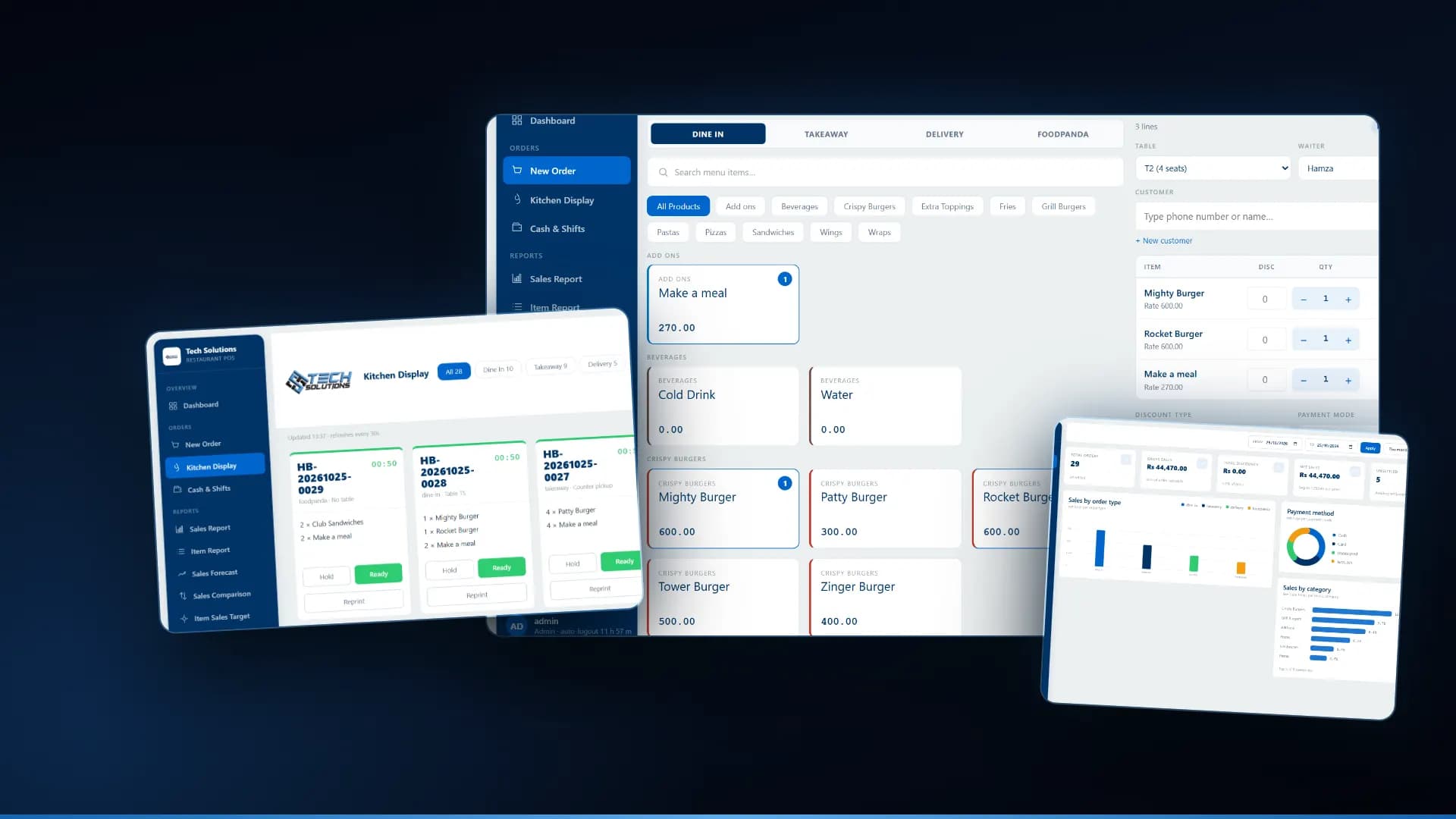
This is the mistake we see in systems of every size. In one of our early restaurant POS builds, the drawer logic matched the word "cash" in a payment method's name, which also matched JazzCash. Wallet money never enters the drawer, so the till expected more cash than it held. Treat cash, card, wallet and QR as separate payment methods from the start, so the drawer reconciles and your month-end shows where the money really came from. The same idea matters in a restaurant POS and in a WhatsApp ordering system that takes payment details.
If your counter must keep working when the internet drops, also read our guide to an offline restaurant POS, because online payments are the part that stops first.
How we can help
We build the payment side of POS systems, web apps and ordering bots: separate payment methods, server-side confirmation, refunds and reconciliation. You open the merchant account with your provider, and we connect it using the provider's sandbox and integration guide. See our custom software solutions, or tell us how your customers pay today and we will say which route we would start with.
Frequently asked questions
Through a gateway or wallet merchant account that you open with the provider, such as JazzCash, Easypaisa or a licensed card gateway, or through Raast QR with your bank. You then connect your website, app or POS to it, test in the provider’s sandbox and go live once the provider approves the account.
Not that we could find. Easypaisa says its merchant integration team supplies an integration guide after you apply, and we found no public JazzCash API reference. Plan to apply first and get the documents from the provider.
A gateway is a service you integrate into a website or app to take wallet or card payments online. Raast QR is an instant-payment code the customer scans with their banking app, usually at a shop or on an invoice, with the money going to your bank or wallet account.
Some gateways say they are State Bank licensed. Do not rely on a sales page: ask the provider for its licence and check it with the State Bank, and ask who holds your money between payment and settlement.
We build the payment side of POS, ordering and web systems: separate payment methods, server-side confirmation, refunds and reconciliation. You open the merchant account with the provider, and we connect it using the provider’s sandbox and integration guide.
Get new articles by email
How we build automation and software, with the lessons learned. One short email when a new article goes up. No spam.
- #Payment Gateway
- #Raast
- #JazzCash
- #Easypaisa
- #Pakistan
- #POS Systems