
Key takeaways
- 1One UI 7 is Samsung’s Android 15 update and its biggest visual redesign in years.
- 2Notifications and quick settings are now split, and you can switch back if you prefer.
- 3The Now Bar keeps timers, media and navigation visible near the top of the screen.
- 4Galaxy AI writing, translation and summaries are closer to the surface.
- 5Best for people who customise and get a lot of notifications; not for stock-Android fans.
One UI 7 is Samsung's Android 15 update and its most visible redesign in years. In daily use the biggest changes are a lighter, rounder look, notifications split from quick settings, the Now Bar for live activities, and Galaxy AI tools closer to the surface. It suits people who customise their phone and get a lot of notifications.
We spend a lot of time on Android devices for client work, and Samsung phones make up a large share of them. We have been using One UI 7 as a daily driver and paying attention to how it feels rather than what the marketing says. This is an impressions piece, so we are not going to quote specs; we are going to tell you what stood out in our use.
First impression: it looks different, and mostly better
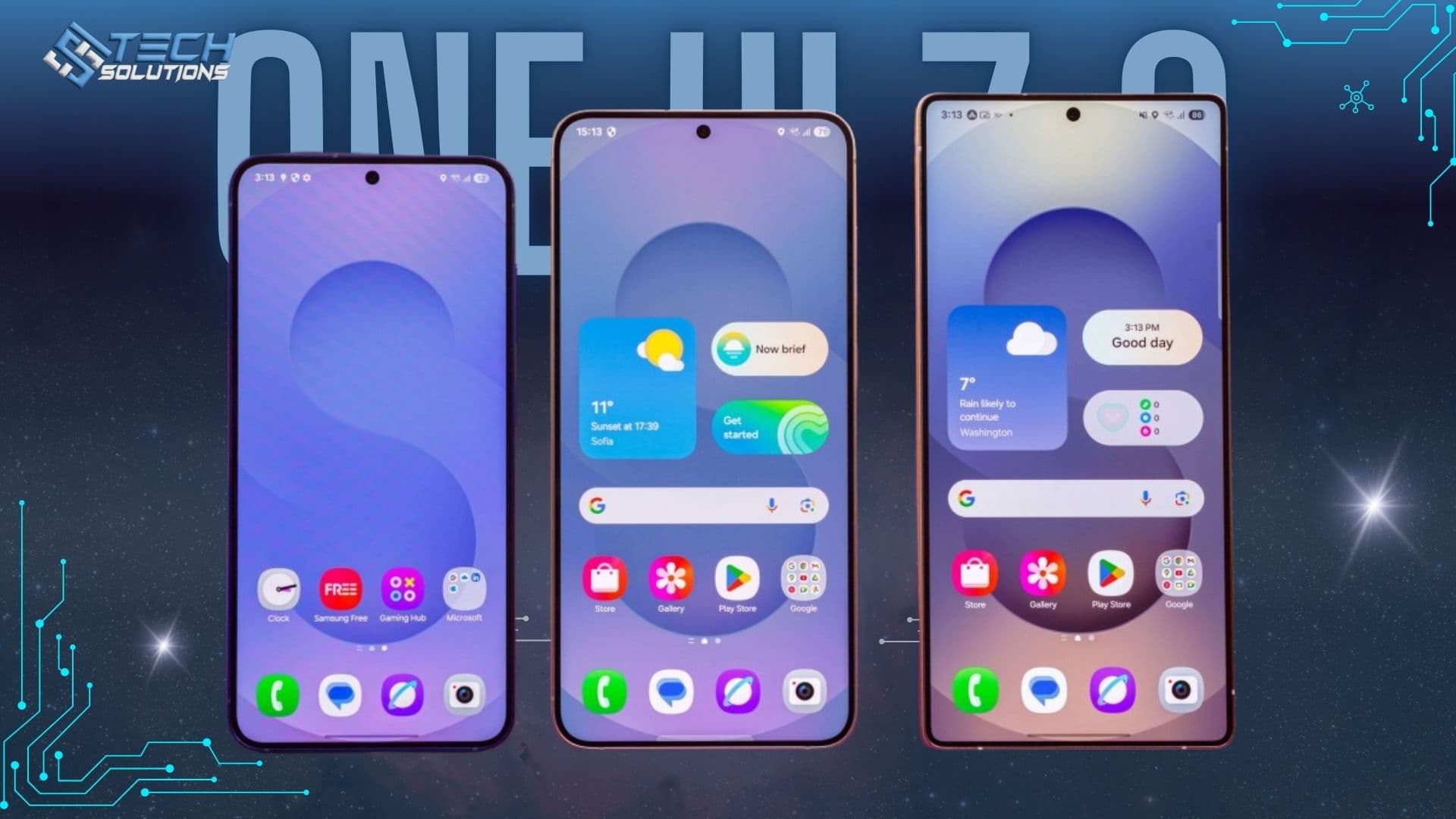
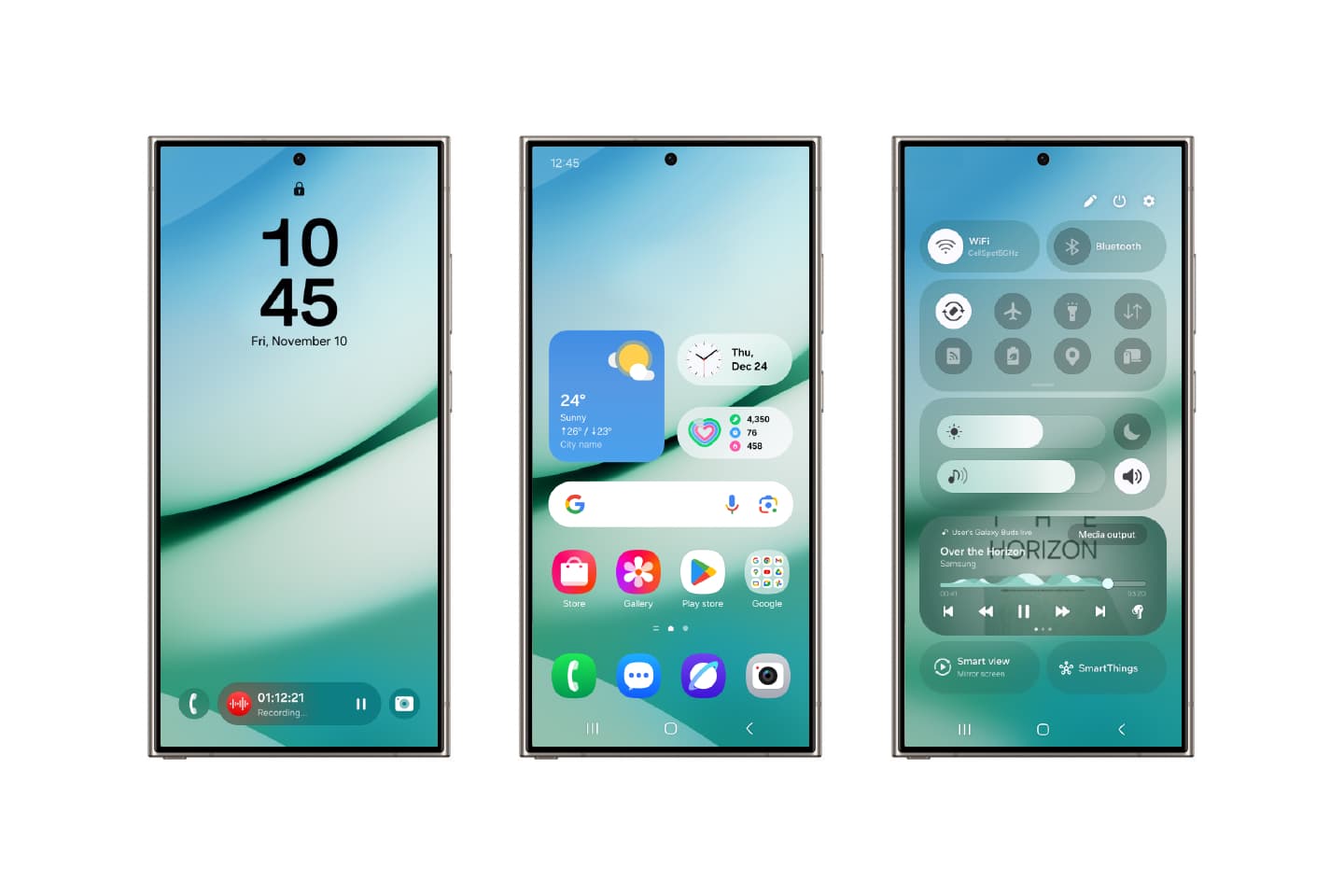
The first thing you notice is that One UI 7 looks lighter and rounder. Icons, widgets and system panels have been redrawn with softer corners and more spacing. It feels less cluttered than earlier One UI versions, and the visual language is more consistent across Samsung's own apps.
In our use, the redesign is the kind you stop noticing after a couple of days, which is a compliment. It does not get in the way. The home screen, lock screen and quick panel all feel like they were designed together rather than updated one at a time.
How much can you customise One UI 7?
Samsung has always given users more control over the home screen than stock Android, and One UI 7 continues that. In our use, the things we changed most were:
- Widgets. The new widget styles fit together more neatly, and the lock screen accepts widgets in a way that feels intentional rather than bolted on.
- Icons and layout. Grid options, icon shapes and folder behaviour remain flexible. If you like a dense home screen or a sparse one, you can have either.
- Quick settings. The split between notifications and quick toggles is new. It takes some getting used to, and some of us switched it back. Others preferred it. Samsung lets you choose, which is the right call.
The overall feel is that Samsung wants the phone to look good out of the box but is still happy to let you rearrange everything.
What changed in notifications?
Notifications are where One UI 7 changed the most in daily use. The redesigned panel groups things more clearly and the split quick-panel layout means you can reach toggles without scrolling past a wall of alerts.
Samsung has also added the Now Bar, a persistent area for ongoing activities such as timers, media playback and navigation that sits near the top of the screen. In our use this was helpful: we glanced at it more than we expected to, and it reduced the number of times we opened the notification shade just to check on something running in the background.
If you get a lot of notifications, this is the update's most practical improvement.
Does One UI 7 feel faster?
We want to be careful here because "feels fast" is subjective and depends on the phone. With that caveat, in our use One UI 7 felt smooth. Animations are quicker and more consistent, and the interface responds without the small hesitations that older One UI versions sometimes showed when opening the app drawer or switching between recent apps.
Battery behaviour felt comparable to what we were used to. We did not notice a meaningful change either way in normal use, which is what you want from a software update.
Galaxy AI features in One UI 7
One UI 7 puts Samsung's AI tools closer to the surface, with a daily summary feature, writing assistance and translation available in more places. In our use, the translation and summarisation features were the ones we returned to. Some of the others are interesting demos rather than daily habits. Your mileage will vary, and everything can be ignored if it is not for you.
Who should update to One UI 7?
- People who like to customise. If you enjoy arranging your home screen and tweaking how the phone looks, One UI 7 gives you more polished pieces to work with.
- Heavy notification users. The reorganised panel and the Now Bar are genuinely useful if your phone is busy all day.
- Existing Samsung users. If you already know One UI, this is a clear step forward and nothing important has moved out of reach. The learning curve is short.
- Not for stock-Android fans. One UI 7 is still One UI. It is opinionated, it includes Samsung's own apps and services, and it does things its own way. If you prefer Google's version of Android, this update will not change your mind.
Our verdict
One UI 7 is a good update. The visual refresh is cohesive, the notification changes solve a real problem, and the customisation options remain among the best on Android. It does not reinvent the phone, and it does not need to. In our use, it made the phone nicer to look at and slightly easier to live with, and that is what a software update should do.
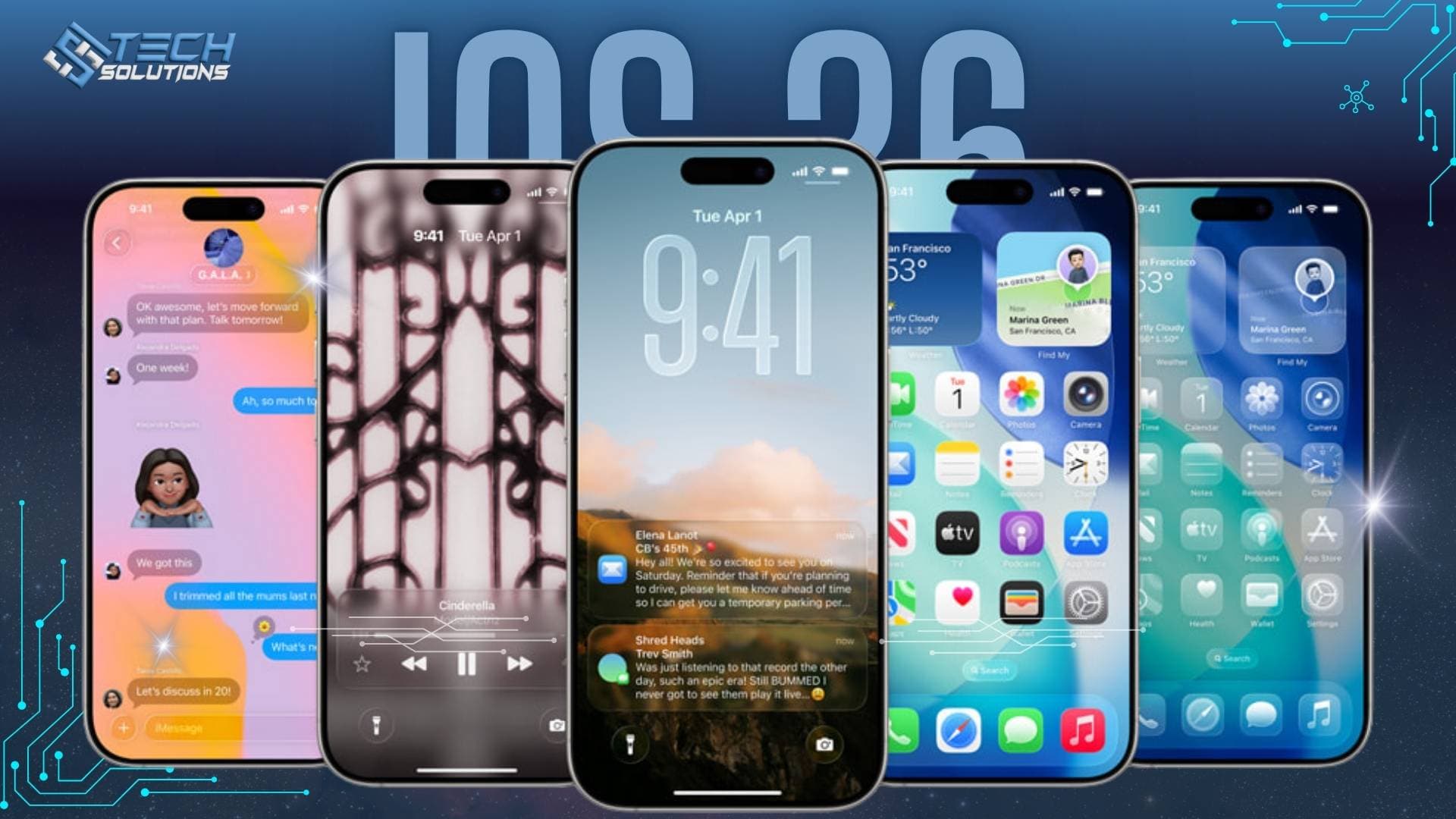
Managing Samsung phones across a team? Our IT support team sets up and looks after company devices, or read what is new in iOS 26 if your team uses iPhones.
Frequently asked questions
One UI 7 is based on Android 15. It launched with the Galaxy S25 series in early 2025 and then rolled out to older Galaxy phones and tablets.
The Now Bar is a persistent area near the top of the screen that shows ongoing activities such as timers, media playback and navigation, so you can check them without opening the notification shade.
Yes. One UI 7 splits them by default, but Samsung lets you switch back to a single combined panel in the quick panel settings.
In our use, yes. The redesign is cohesive, the notification changes solve a real problem and customisation remains among the best on Android. If you prefer stock Android, it will not change your mind.
Get new articles by email
How we build automation and software, with the lessons learned. One short email when a new article goes up. No spam.
- #One UI 7
- #Samsung
- #Android 15
- #Galaxy AI