
Restaurant POS System Case Study
We built a complete restaurant POS and back office for a fast-food restaurant in Pakistan. It runs the till, the kitchen display, cash shifts, menu and recipes, stock, purchasing and profit and loss, in a cloud edition and an offline edition that works on a shop PC with no internet.
At a glance
- Client
- Fast-food restaurant
- Industry
- Restaurant & fast food
- Location
- Pakistan
- Type
- Restaurant Management System
- Menu loaded
- 41 items
- Editions
- Cloud + offline
- Automated checks
- 19
The challenge
What problem did the client have?
Orders, the kitchen, the cash drawer and the stock room were run as separate jobs, so nobody could say what a shift actually took in, what the food really cost, or where stock went. Cash variances and voided items had no record of who did what.
The solution
What did we build?
We built one system where every order carries its shift, every void carries a reason and an approver, and every sale moves stock through recipes. The restaurant’s full menu — 14 categories, 41 items and 26 priced sizes — ships pre-loaded, with its own order-number series.
Features
Everything that shipped
Till & orders
- Dine-in, takeaway and delivery order types
- Menu items with sizes and add-ons
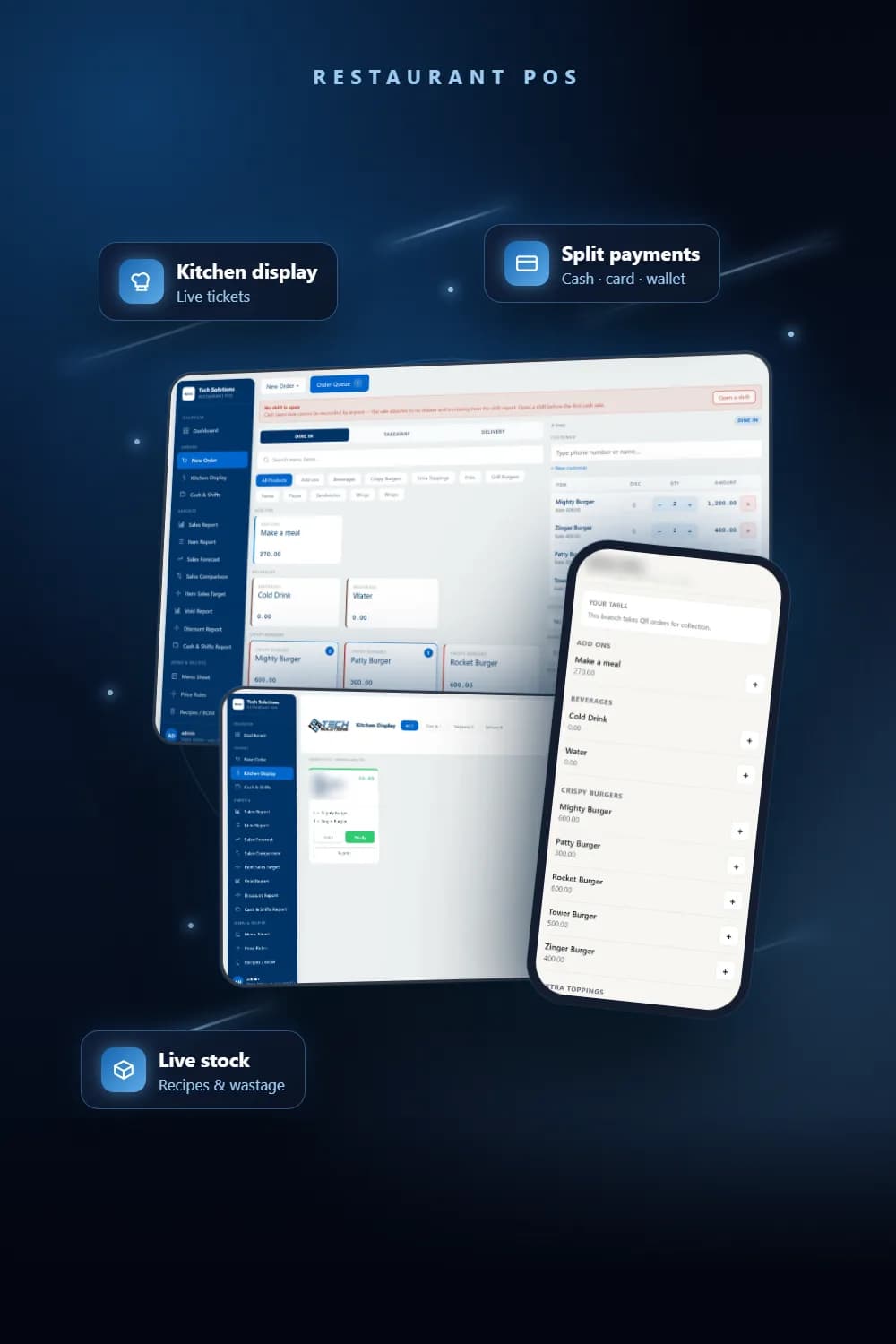
- Split payments across several tenders, with a tip per tender
- Vouchers and discounts, with single-use codes enforced
- Hold, order queue, table transfer and bill merge
Kitchen display
- Live tickets the moment an order is sent to the kitchen
- Prep timer, hold, ready and reprint on every ticket
- Filter by dine-in, takeaway and delivery
Cash control
- Shifts opened with a declared float and closed with a counted amount
- Drawer variance calculated against the sales in that shift
- Cash movements (float top-ups, cash paid out) need a reason
- Voids and refunds recorded with reason, cashier and approver
- Wallet payments such as JazzCash kept out of the cash drawer count
Menu, recipes & pricing
- Menu sheet with Excel template upload
- Recipes and bill of materials for food costing
- Time-based price rules for happy hours, weekends and promotions
Stock & purchasing
- Live stock ledger with reorder levels
- Wastage logged with reason codes (spoilage, staff meal, theft)
- Purchase orders: draft, submitted, approved, received
- Opening and closing inventory, consumption and production
Reports
- Sales, item, void and discount reports
- Sales forecast, sales comparison and item sales targets
- Food cost, food-cost variance and profit and loss
- Cash and shifts report, monthly sales and expense analysis
Guests & staff
- QR table ordering — guest orders wait for staff approval before the kitchen
- Prices always taken from the database, never from the guest’s phone
- Employees, attendance, payroll, user roles and activity logs
Screenshots
Inside the system
Screenshots from a fresh install with the restaurant’s real menu and one demo order — no live sales data. Restaurant branding blurred.
Tech stack
Built with
- Next.js
- TypeScript
- Prisma
- PostgreSQL
- Railway
- Offline Windows build
Services used
Which services went into this project?
FAQ
Questions about this project
Yes. Alongside the cloud edition there is an offline Windows edition that runs on a shop PC, so the till keeps working when the connection drops.
Every order belongs to a shift that opens with a declared float and closes with a counted amount. The drawer variance is calculated against that shift’s sales, and voids and refunds record a reason, the cashier and the approver.
Yes. Guests order by scanning a QR code, and each order waits for staff approval before it reaches the kitchen. Prices are always taken from the database, never from the guest’s phone.
Each menu item has a recipe, so every sale moves ingredient stock. Food cost, food-cost variance and profit and loss come from the same records.
Want a system like this? Get a free quote.
Tell us how your business runs today. We reply within one business day with a clear scope and quote.