
Key takeaways
- 1Fleet fuel expense automation works best when every fuel-card row is matched to a real trip, not just posted against a vehicle.
- 2We matched each plate to a trip on the fuel date or the day after, then fell back to contract trips before listing it for review.
- 3The tracking platform’s documented API was disabled, so we drove the same web endpoints its own dashboard uses.
- 4Dispatch suggestions come from live tracker data: ignition off, parked or idle, online and a fresh GPS fix, sorted nearest-first.
- 5A person still confirms every assignment and every expense batch; the bots do the lookups and the typing.
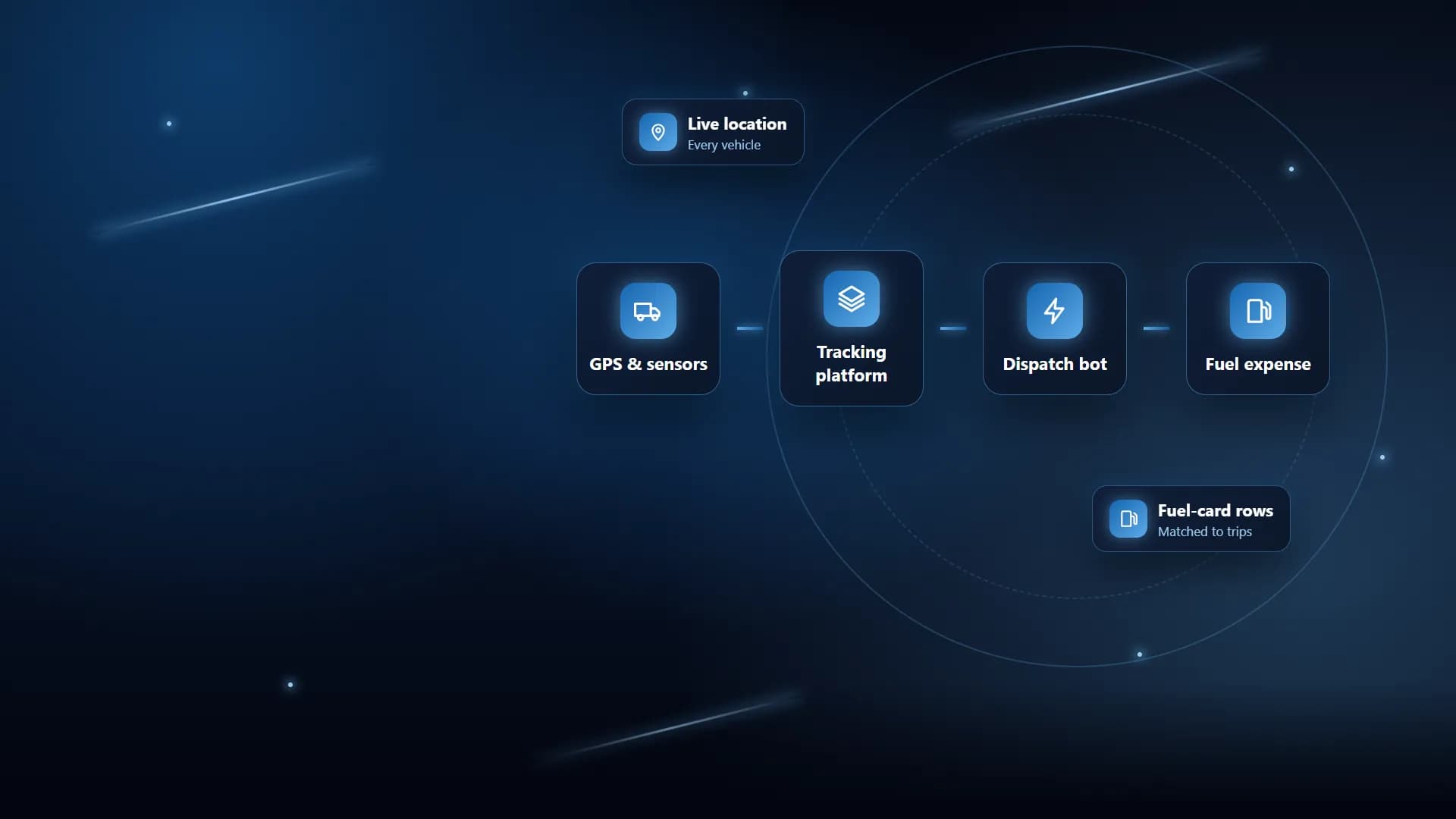
Fleet fuel expense automation means taking the fuel-card export, matching every fill to the vehicle’s trip, and posting the expense without anyone retyping it, and for a logistics fleet in Saudi Arabia we built exactly that, alongside a dispatch bot that picks free vehicles from live GPS data.
The fleet runs cars, trucks and buses. We fitted and configured the tracking hardware, set every vehicle up on the Gulf Axis tracking platform (Pilot GPS), and then built two small web dashboards on top of it in Python and Flask. This post covers how the two bots work, the decisions behind them, and what broke along the way.
The problem
The company needed to know more than where each vehicle was. Dispatchers wanted to know which vehicle was actually free for the next trip. Accounts wanted every fuel bill linked to the trip it was spent on.
That information lived in separate places. Live location, ignition and sensor data sat in the tracking platform. Trip requests, drivers and vehicle expenses sat in the company’s own trip portal. Fuel transactions arrived as an Excel export from the fuel-card provider. Matching them was manual: look up a plate, find the trip around that date, open the expense form, type in the litres and amount, pick the driver, save, repeat.
What did we fit on the vehicles?
Before any automation, the data had to exist. Every vehicle got a Teltonika GPS tracker, configured and tested before handover, with satellite trackers where mobile coverage drops out. We also fitted Teltonika DualCam and driver-status-monitoring dash cams, and fuel tanks were fitted with anti-theft mesh.
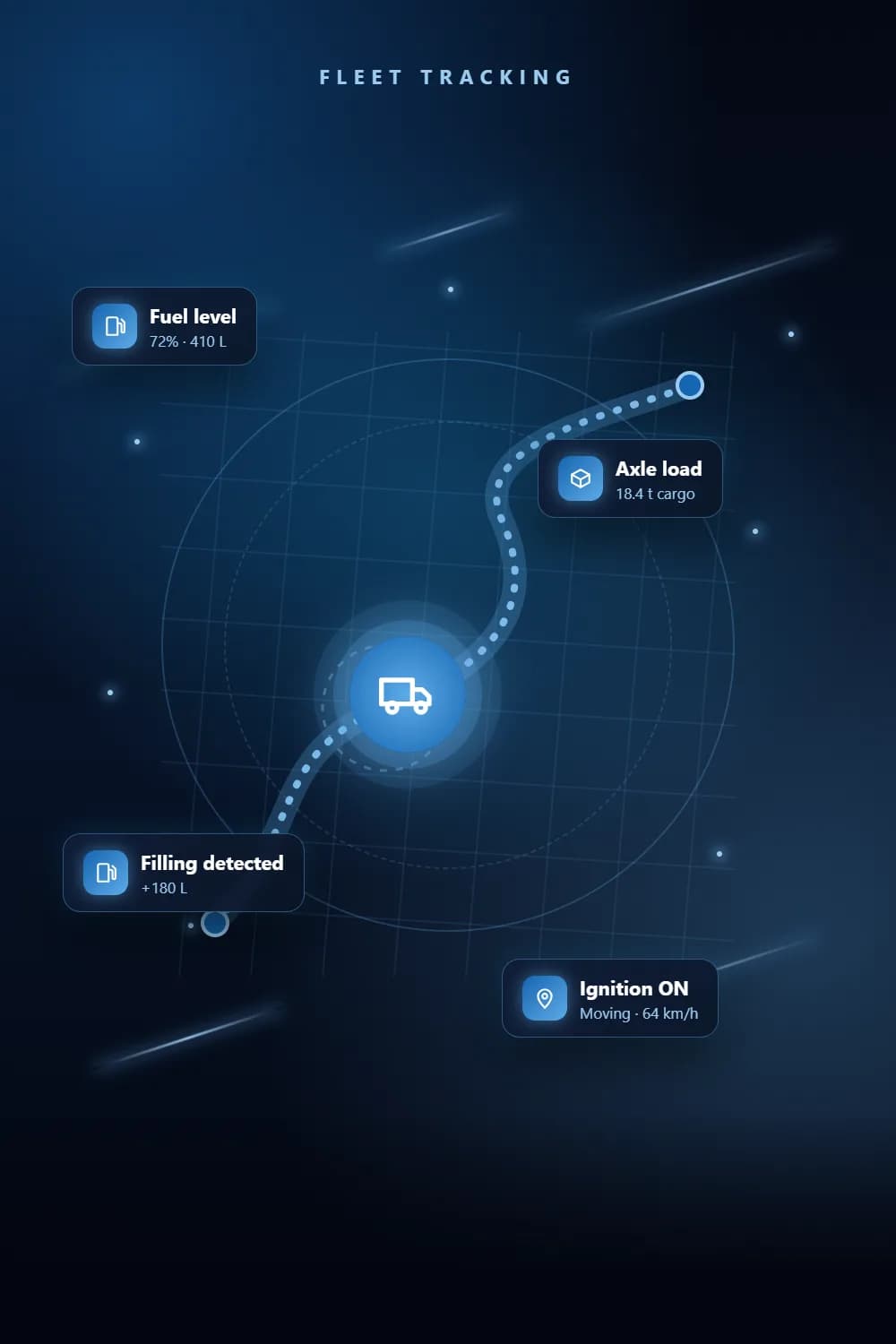
For fuel we used Omnicomm fuel sensors, which give fuel level, consumption, and fillings and drains with litres per filling. Trucks also carry axle load and cargo weight monitoring. All of it reports into Gulf Axis, which shows live location, speed, ignition, route history, and parked, idle and moving states against geofences.
Key decisions
Why did we drive the web endpoints instead of the API?
Gulf Axis documents a REST API, but on this account that module was disabled. Rather than wait, we looked at what the platform’s own web dashboard does and drove the same endpoints over a normal signed-in session. One call returns live data for every vehicle: plate, type, position, ignition, online state, last event and sensor readings, including truck weight. Another returns the vehicle roster, and a third returns the geofence zones.
There was one catch. The account’s data node has to be set as a cookie, otherwise the live feed comes back empty. That took some digging, and it is now pinned in the client.
How does the dispatch bot decide which vehicle is free?
We kept the rule simple and visible. A vehicle is available when its ignition is off and its last event is a stop, parking or idle. It must also be online, and its last GPS fix must be recent; the maximum age is a setting, defaulting to one hour.
The dispatcher opens a pending trip, ticks which vehicle classes to consider (car, truck or bus), and sets the pickup point, either by typing a Gulf Axis geofence name or entering coordinates. The bot then ranks the fleet: eligible vehicles first, nearest first, with a plain reason shown against every vehicle it rejected, such as offline, busy or stale fix.
Why does a person still confirm every assignment?
Writes to the trip portal are guarded. The dashboard builds the update (vehicle, driver and trip status) but only sends it when the dispatcher presses Confirm. Everything else is a dry run. On confirmation it can also send a WhatsApp message to the driver and the coordinator through a linked device, so no WhatsApp Business API account was needed. If the WhatsApp service is down, the assignment still goes through and the notification simply reports that it was not sent.
How does the fuel bot match a fill to a trip?
The fuel-card export varies, so the parser finds the header row on its own by looking for plate, product, quantity and amount columns, including an Arabic plate heading. It then totals the transactions per plate and fuel type.
For each plate it searches the trip portal for a trip on the chosen fuel date or the day after, because vehicles often fill up for a trip that starts the next day. If there is no normal trip, it checks contract trips. The driver and vehicle IDs come from the portal’s own trip lookups, so the expense links exactly as it would if someone created it by hand.
The results land in three sheets: trip matches, contract-trip matches and not found. Not-found vehicles get a driver picker and are listed for review rather than guessed. Any row can be unticked. On commit, matched rows are posted one by one as fuel expenses against their trip, and the not-found rows go in as a single batch.
What went wrong and how we fixed it
The portal changed its login. The trip portal first emailed a one-time code, and our first version read it from the mailbox automatically. The portal then switched to Google Authenticator codes. We replaced the mailbox reader with a login screen that takes the username, password and current six-digit code, and we save the session so the code is only needed when the session expires. If it expires mid-run, the loaded file and matches are kept.
Valid codes were being rejected. In the dispatch bot, an extra session check between the password step and the code step reset the portal’s verification state, so every code failed. We now decide from the login response alone and submit exactly what the portal’s own form submits. Later we moved the dispatch bot to the same one-shot login the fuel bot uses, posting the password and code together, because the split flow kept failing once deployed.
Plates did not line up. The same truck could be written with a hyphen in one system and a space in the other. We switched to linking vehicles by their plate number digits, which cut the vehicles that showed up in only one system from ten to four.
Some tracker entries were not vehicles at all. A few Gulf Axis entries were named by raw device IMEI. We first tried to recover a plate from the device note, then realised these were unassigned tracker devices. Inventing a plate produced a vehicle that did not exist, so we now keep them out of every list and report.
Two date formats. The single expense form expects a date like 30 July, 2026, while the batch form expects 2026-07-30. The bot sends whichever format the portal’s own date picker sends for that form.
The daily report ran on the wrong clock. The server runs on UTC, so the offline-vehicle email report went out at the wrong time. It now runs on Saudi time, catches up after a restart, and retries failures.
Lessons
- Read the live system before writing code. The disabled API and the data-node cookie were only found by watching what the real dashboard did.
- Copy the target system’s own behaviour. Matching its forms, date formats and lookups exactly removed most errors.
- Keep a person in the loop for writes. Suggestions are cheap to get wrong; posted expenses and assigned trips are not.
- Show your reasons. A rejected vehicle with a reason next to it builds more trust than a silent ranking.
- Never guess a match. A short review list is better than a wrong expense on the wrong trip.
Checklist for businesses with the same problem
- Make sure every vehicle reports ignition, location and online state reliably before automating anything.
- Decide your availability rule in plain words, then make it a setting you can change.
- Agree how plates are written, or match on the number alone.
- Decide the date window for fuel matching; for this fleet it was the fuel date or the day after.
- Have a clear route for anything unmatched: a review list, not a default trip.
- Require confirmation before anything is written to your trip or accounts system.
- Plan for login changes such as authenticator codes and session expiry.
See the full project
Read the full project for the hardware, platform and feature list. If your fleet needs the same, see our vehicle tracking, business process automation and accounting automation services, or contact us to talk it through.
Frequently asked questions
It is software that takes the fuel-card provider’s transaction export, works out which vehicle and trip each fill belongs to, and posts the fuel expense with litres, amount and driver, so nobody has to match bills to trips by hand.
We total the fuel-card rows per plate and fuel type, then search the trip portal for that plate on the fuel date or the day after. If no normal trip is found we check contract trips, and anything still unmatched is listed for a person to review.
Yes. On this project the documented Gulf Axis API was disabled, so our client signs in with a normal session and reads the same live-data and roster endpoints the web dashboard uses.
No. It ranks the available vehicles and fills in the trip details, but nothing is written back to the trip portal until a dispatcher presses Confirm. Every other call is a dry run.
Teltonika GPS trackers on every vehicle, satellite trackers where mobile coverage drops out, Omnicomm fuel sensors, and axle load and cargo weight monitoring on the trucks, all feeding the Gulf Axis platform.
See the full project
Services used in this project
Get new articles by email
How we build automation and software, with the lessons learned. One short email when a new article goes up. No spam.
- #Fleet Management
- #Fuel Monitoring
- #Process Automation
- #GPS Tracking
- #Saudi Arabia