
Key takeaways
- 1A WhatsApp AI ordering bot works best as many small automations: we built 13 on n8n, each with one job.
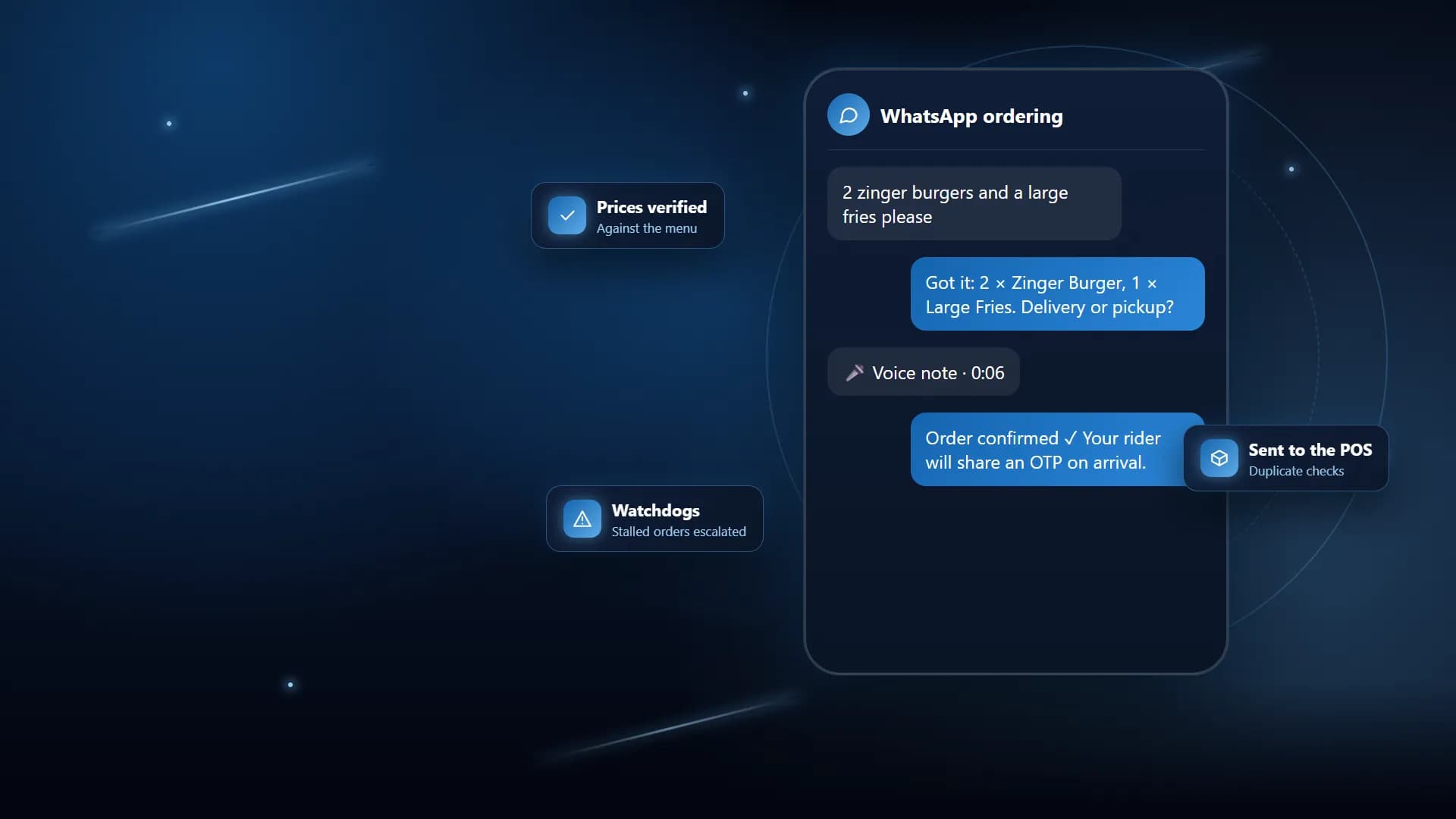
- 2The AI agent reads each branch’s own menu, and every price is checked against that menu before an order is confirmed.
- 3Confirmed orders reach managers, the dashboard and the QuickBill POS automatically, with duplicate and unmapped-item checks first.
- 4Watchdogs matter as much as the bot: stalled chats are checked every 2 minutes and abandoned orders are swept every 30 minutes.
- 5Most of our fixes were about duplicates and failing safely, not about the AI itself.
We built a WhatsApp AI ordering bot for a multi-branch restaurant chain in Pakistan that takes orders by text or voice note, checks every price against the branch menu, and sends the confirmed order to managers, a dashboard and the QuickBill POS automatically. It runs as 13 automations on n8n and the WhatsApp Business API, with watchdogs that catch any order that stalls.
This post explains why we built it the way we did, what went wrong along the way, and what we would tell any restaurant thinking about the same thing.
What problem were we solving?
The chain has five branches, and WhatsApp was already its busiest ordering channel. Every message was answered by hand. At peak time replies were slow, prices were quoted inconsistently from branch to branch, and every order had to be typed again into the POS.
Nobody could see the orders that went wrong. A customer who asked for the menu and went quiet, or who was shown an order summary and never replied, simply disappeared. Late deliveries were noticed only when the customer complained.
The goal was not just a chatbot. It was an ordering line that answers instantly, quotes the right price, puts the order in front of the kitchen and the POS, and tells a human when something is stuck.
What were the key decisions?
Why did we split the system into 13 workflows?
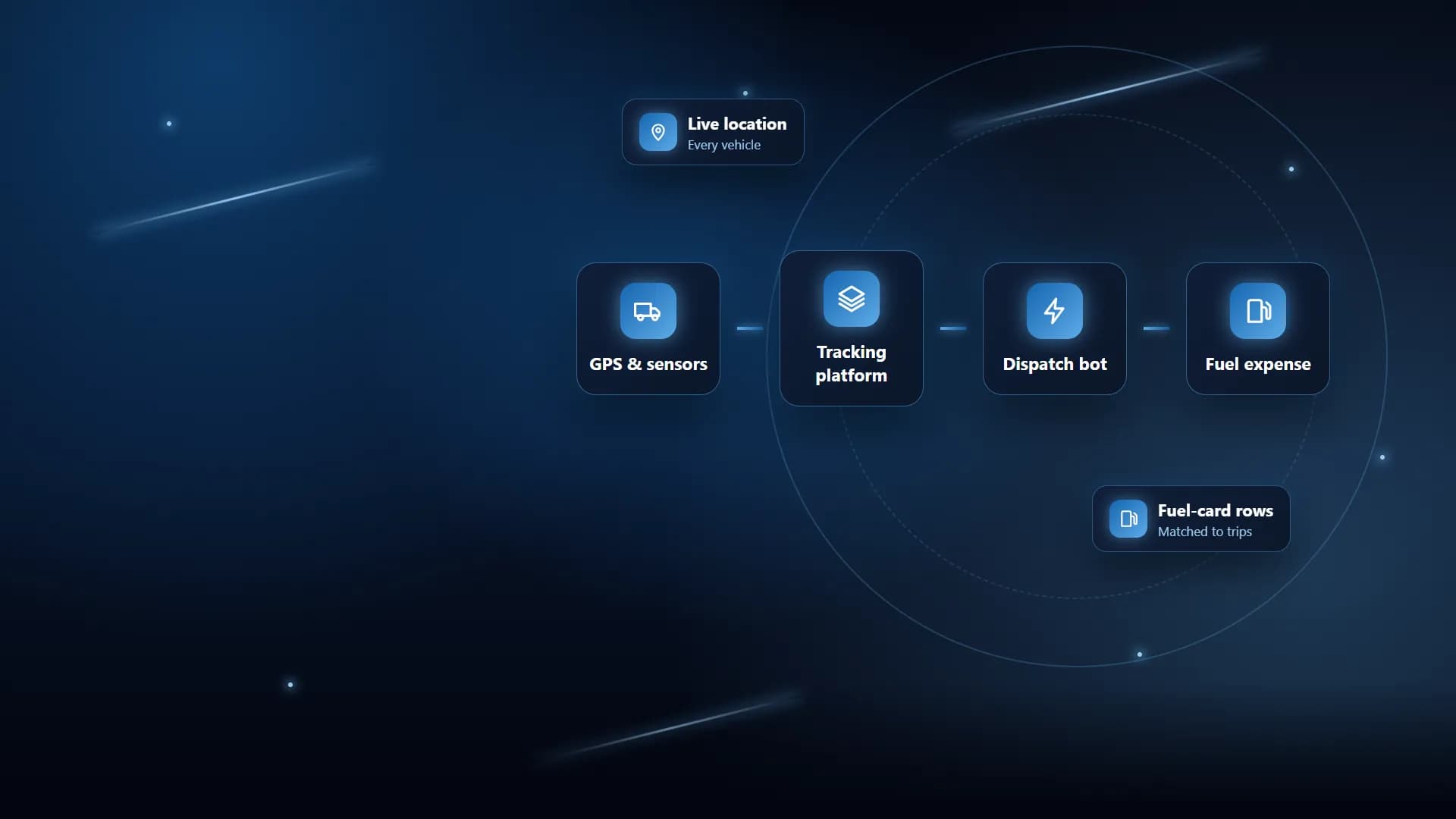
We could have built one giant flow. We chose not to. The main WhatsApp ordering workflow handles the conversation, and separate workflows handle order fulfilment, QuickBill forwarding, delivery and OTP, outbound messages, inbound logging, failure alerts, the SLA watchdog, the abandoned order sweep, idle nudges, marketing, customer win-back and phone ordering.
Each workflow has one job, so a problem in one does not take the others down. The POS forwarder, for example, is called on a fire-and-forget basis, so a slow POS never delays the reply to the customer.
Why does the AI agent only work from the branch menu?
A general AI model will happily invent a dish or a price. So the agent is given the selected branch’s own menu and settings, plus a menu lookup tool, and its output is parsed into a fixed structure the rest of the flow can trust.
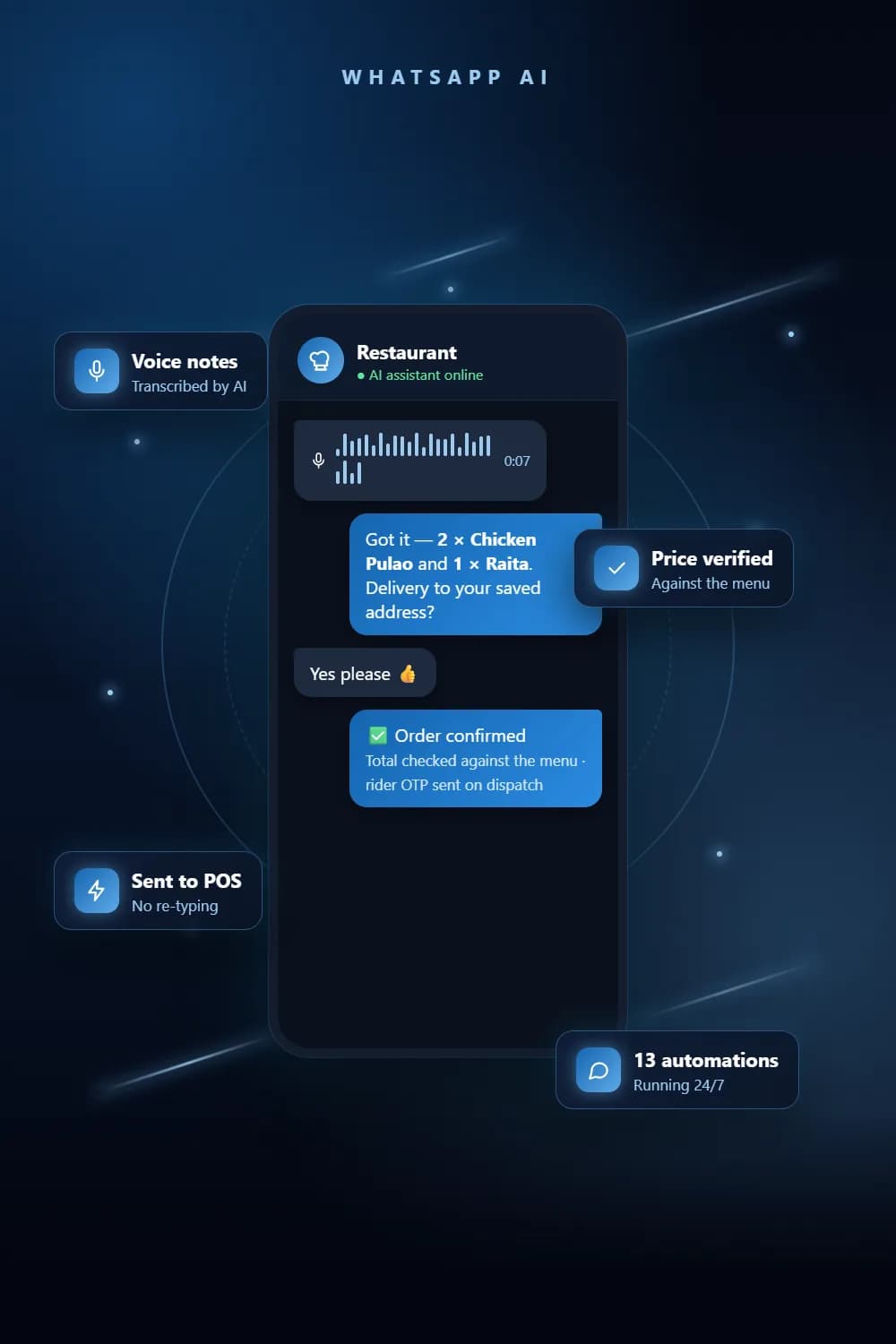
Before the customer is asked to confirm, a price verification step checks the order against that menu. The confirmation is sent as WhatsApp buttons, so confirming or cancelling is a single tap rather than another message for the AI to interpret.
The bot also handles the details that make it feel finished: it sends the menu PDF when asked, shares a branch location pin, checks business hours before taking an order, redeems discount codes, and logs complaints and reservation requests to the dashboard for staff.
How do voice notes and phone calls fit in?
Many customers prefer to speak. Voice notes are downloaded, transcribed with OpenAI and then treated exactly like a typed message, and the transcript is logged on the dashboard so staff can see what was said.
We also built an AI voice agent that takes orders by phone in natural Urdu mixed with English. When the order is complete it sends the details into the same fulfilment flow that WhatsApp orders use, so the kitchen sees one consistent format. When we sampled activity in August 2026 the phone line had not yet seen traffic, so we treat it as ready rather than proven.
How do orders reach the POS safely?
Confirmed orders are sent to two manager channels and logged on the dashboard, then forwarded into QuickBill. The forwarder translates each item name into the POS catalogue name for that branch, using a mapping table rebuilt from the POS catalogue export.
Three checks run before anything is sent. The branch must be recognised. The same order must not have been forwarded in the last 10 minutes. And if any item cannot be mapped, a manager is alerted instead of the order silently going in wrong. Staff can also log manual orders from the dashboard, and they pass through the same checks.
What happens after the order is placed?
When a rider is assigned, the delivery workflow generates a 4-digit OTP and sends it to the customer on WhatsApp. If the order is reassigned to another rider, the existing OTP is reused, so there are never two codes for one order. The dashboard stores the OTP hashed.
Watchdogs run in the background. Every 2 minutes the SLA watchdog looks for conversations with no resolution and escalates each stuck session once. Every 5 minutes an idle nudge reaches customers who picked a branch and saw the menu but went quiet. Every 30 minutes the abandoned order sweep logs orders that were shown for confirmation more than 2 hours ago and never answered, then clears them.
What went wrong and how we fixed it
Most of our problems were not about the AI. They were about duplicates and failing safely.
Meta resends webhooks. WhatsApp redelivers the same incoming message a few times for reliability. Without a guard, one customer message was logged several times. We now deduplicate on the message ID before logging or replying.
Customers send messages in bursts. People type "hi", then their order, then a correction, in quick succession. We added a short message buffer that waits, merges the burst and replies once to the latest state, instead of answering each fragment.
Taps arrive twice. A customer could tap Confirm twice, or a proxy could retry a send. We added a race lock and a recent-confirm check on the order, a 20-second dedupe on outgoing messages, and a 10-minute backstop so a customer is never told about the same rider twice. The dashboard had its own duplicate check, but it could race under near-simultaneous calls, so we added an independent one on the automation side.
Tax was being added twice. The POS adds its own tax, so sending tax-inclusive prices doubled it. We rebuilt the item mapping from the POS catalogue export with tax-exclusive prices.
Errors could go unnoticed. A workflow that fails quietly is worse than one that never ran. A dedicated failure-alert workflow now sends any workflow error to WhatsApp so the team hears about it straight away.
In August 2026 we sampled up to 100 recent runs per workflow and found no failed runs in that sample. That is a snapshot, not a guarantee, but it told us the guards were doing their job.
Lessons
- Design for duplicates from day one. Webhooks, retries and impatient customers all create them.
- Keep the AI on a short leash. Give it the real menu, parse its output into a structure, and verify prices in code rather than trusting the model.
- Fail loudly, not silently. A red execution and a WhatsApp alert are better than a wrong order in the POS.
- Let humans take over. The bot checks a mute flag before every reply, so staff can step into any conversation.
- Watchdogs are part of the product. The orders you lose are the ones nobody is looking at.
Checklist for businesses with the same problem
- Is your menu, with prices, in one place the bot can read for each branch?
- Do you have a WhatsApp Business API number rather than the standard app?
- Can your POS accept orders from outside, and do you have its catalogue export?
- Who gets alerted when an order stalls, cannot be mapped or fails to send?
- Can staff mute the bot and reply themselves on any chat?
- Do you need voice notes, phone ordering or delivery OTPs, or just text?
- How will you handle customers who go quiet halfway through an order?
See the full project
Read the full project for the complete feature list and order flow. If you want something similar, see our restaurant management system, chat automation, calling automation and business process automation services, or get in touch.
Frequently asked questions
It is an automated assistant on a restaurant’s WhatsApp Business number that takes orders by text or voice note, quotes prices from the real menu, confirms the order and passes it to the kitchen and the POS without anyone retyping it.
Yes. In this project, voice notes are downloaded, transcribed with OpenAI and then handled exactly like a typed message, so customers who prefer to speak can still order.
The agent only works from the branch’s own menu, and a separate price verification step checks every line against that menu before the customer is asked to confirm. The POS forwarder then maps each item to the POS catalogue and flags anything it cannot match.
In this build it forwards confirmed orders into the QuickBill POS. Before forwarding, it blocks duplicates, checks the branch is known and alerts a manager about any item it cannot map, rather than sending a wrong ticket.
Yes. The bot checks a mute flag on the dashboard before it replies, so a staff member can step in on any chat and the bot stays quiet until it is unmuted.
See the full project
Services used in this project
Get new articles by email
How we build automation and software, with the lessons learned. One short email when a new article goes up. No spam.
- #AI Chatbot
- #n8n
- #Restaurant Automation
- #POS Integration