
Fleet Tracking System with Fuel Monitoring
We fitted GPS trackers, fuel sensors and load sensors to a logistics fleet of cars, trucks and buses in Saudi Arabia and set them up on a tracking platform. We then built two bots on top: one ranks and assigns vehicles to trips from live data, the other matches fuel-card transactions to trips and posts the expense.
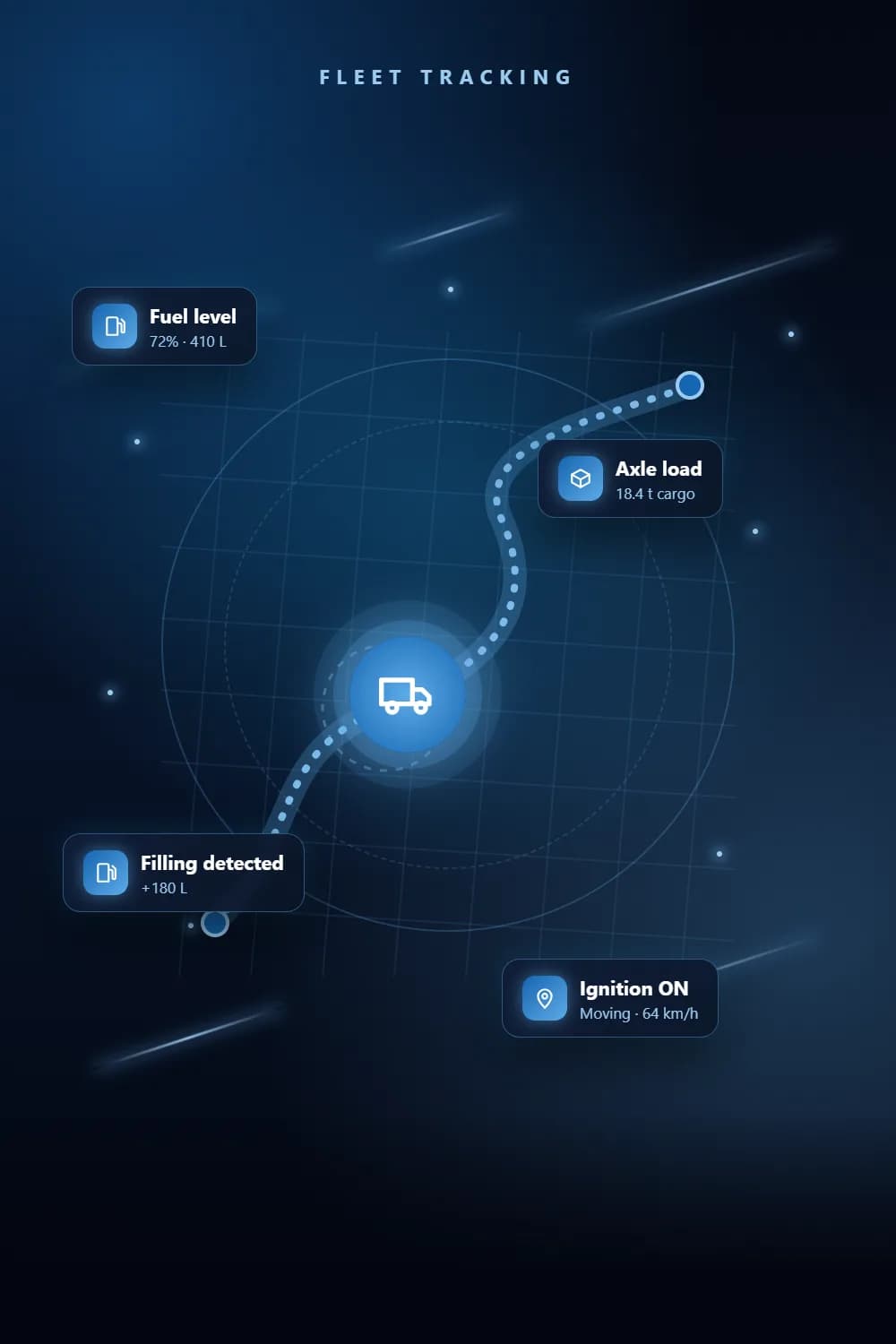
At a glance
- Client
- Logistics & cargo company
- Industry
- Logistics & cargo
- Location
- Saudi Arabia
- Type
- Fleet Tracking System
- Vehicle types
- Car · truck · bus
- Sensors
- Fuel · weight
- Market
- KSA
The challenge
What problem did the client have?
The fleet needed to know more than where each vehicle was: how much fuel it burned and took on, how heavy each truck was loaded, and which vehicle was free for the next trip. Fuel bills and trip records lived in separate portals and were matched by hand.
The solution
What did we build?
We installed and configured the trackers and sensors on every vehicle and set them up on Gulf Axis, then built two bots on top: one reads live vehicle data to rank and assign vehicles to trips, the other matches every fuel-card transaction to its trip and posts the expense.
Features
Everything that shipped
Tracking hardware
- Teltonika GPS trackers fitted, configured and tested before handover
- Satellite trackers where mobile coverage drops out
- Teltonika DualCam and driver-status-monitoring dash cams
- Anti-theft mesh fitted in fuel tanks
Vehicle data on Gulf Axis
- Live location, speed, ignition and route history for every vehicle
- Fuel level and fuel consumption per vehicle from Omnicomm fuel sensors
- Fuel fillings and drains detected, with litres per filling
- Axle load and cargo weight monitoring on trucks
- Parked, idle and moving states with geofence locations
Dispatch automation
- Reads live Gulf Axis data: ignition, location, online state and truck weight
- Ranks available vehicles for each trip request and assigns them
- Fleet board showing each vehicle’s current or next trip
- Trip report with route, duration, income and status filters
- WhatsApp notifications for dispatch updates
Fuel expense automation
- Uploads the fuel-card provider’s Excel and totals it per plate and fuel type
- Matches each vehicle to its trip on the trip date or the day after
- Posts fuel expenses with litres, amount and driver against the trip
- Unmatched vehicles listed for review instead of being guessed
How it flows
How the system works
Platform screenshots coming soon.
- GPS, fuel & weight sensors
- Gulf Axis platform
- Dispatch bot
- Trip assigned
- Fuel expense posted
Tech stack
Built with
- Gulf Axis (Pilot GPS)
- Teltonika
- Omnicomm
- Wialon reports
- Python
- Flask
Services used
Which services went into this project?
FAQ
Questions about this project
Teltonika GPS trackers, satellite trackers where mobile coverage drops out, Teltonika DualCam and driver-status dash cams, Omnicomm fuel sensors, and anti-theft mesh in the fuel tanks. Trucks also have axle-load and cargo-weight monitoring.
It reads live data for each vehicle, including ignition, location, online state and truck weight, ranks the available vehicles for a trip request and assigns one. A fleet board shows each vehicle’s current or next trip.
The bot reads the fuel-card provider’s Excel file, totals it per plate and fuel type, and matches each vehicle to its trip on the trip date or the day after. Vehicles it cannot match are listed for review rather than guessed.
Want a system like this? Get a free quote.
Tell us how your business runs today. We reply within one business day with a clear scope and quote.