Key takeaways
- 1A hub-and-division structure gives each business line its own landing page while keeping one brand and one way back to the group homepage.
- 2One service per page lets each page answer one search, instead of one homepage trying to rank for everything.
- 3Every one of the 47 pages has its own title, meta description and canonical address, set from one build script so none are missed.
- 4One shared stylesheet with an accent colour per division keeps the brand consistent while telling visitors where they are.
- 5Free-quote and tap-to-call buttons sit on the pages clients land on, so nobody has to go back to the homepage to get in touch.
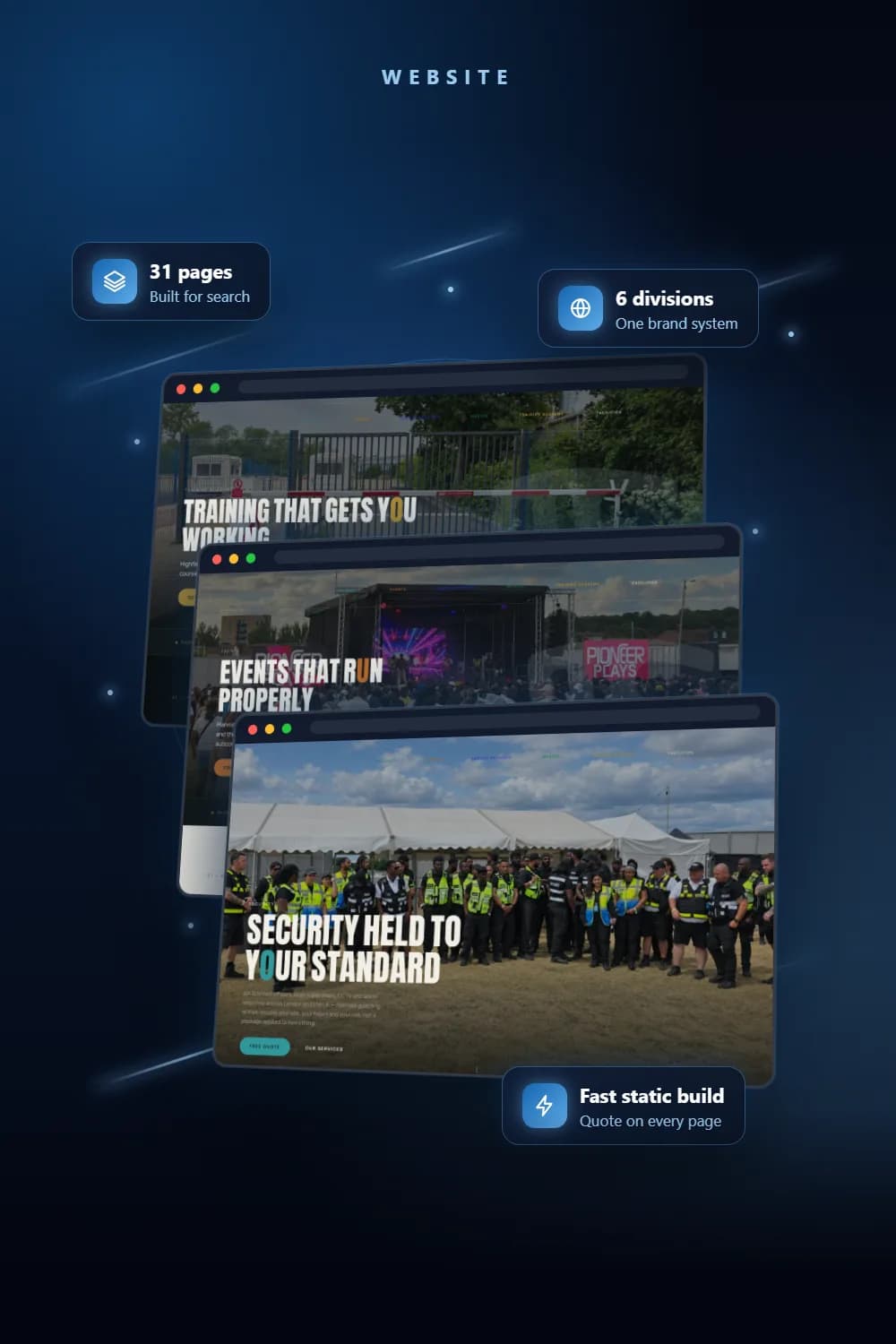
The best website structure for multiple businesses under one brand is a hub: a group homepage, a landing page for each division, and a separate page for every service. We built that for a London security, events and facilities group with six divisions. The result is a 47-page static site where each page has its own search title and description, each division has its own accent colour, and the quote and call buttons are never more than a scroll away.
This post explains why we chose that structure, what went wrong while building it, and the checklist we would give any business with several divisions under one name.
What problem did the group have?
The group runs six business lines: Security, Events, Labour Provider, Medics, Training Academy and Facilities. Each one sells to a different buyer. A venue manager wants door supervisors. A festival organiser wants stewards. A construction firm wants drivers or operatives. Someone else wants an SIA licence course.
The website had started life as a single security homepage. As the group grew, every division ended up competing for that one page. Visitors had to dig through services that had nothing to do with them, and search engines had no clear page to rank for any single service. Job seekers and clients were also arriving at the same contact details, even though they need to reach different people.
Why did we choose a hub-and-division structure?
We rebuilt the site around the divisions rather than adding more sections to one long homepage.
A group hub with six division pages
The group homepage sits at the root and introduces all six divisions. Each division then has its own address, such as /security/ or /events/, with its own hero, about section, services, FAQs and call to action. The old security homepage was not thrown away: it became the Security division page, recoloured to match its new accent.
Navigation does the rest. At the top of every page a strip shows all six division marks, so a visitor can jump straight across. Once you scroll, it gives way to the normal menu. The top-left logo is always the group logo, on every page, because it is the way back to the hub and should not change with the division you happen to be reading.
One service per page
Under the divisions, every service has its own page. Security alone has 14 service pages, from door supervision and CCTV surveillance to close protection, K9 units, waking fire watch and chauffeurs, plus seven industry pages and pages for security systems and site-specific training. Events has six service pages, Labour Provider has four recruitment pages and the Training Academy has three course pages.
Each page answers one search, and every service page follows the same shape: an overview, a few credentials at a glance, why the service matters, what is provided, why choose the company, FAQs and a call to action. All the copy was written fresh for the client, because duplicate content would hurt their rankings.
A unique title and description on every page
Every page is produced by the same build function, which takes four inputs: the page title, the meta description, the canonical address and the division. Because no page can be built without them, none are left on a default. When we checked all 47 finished pages, there were no duplicate titles and no duplicate descriptions, and every page carries a canonical link.
One stylesheet, one accent colour per division
We kept a single stylesheet for the whole site. Each page tells the stylesheet which division it belongs to, and only the accent colour changes: teal for Security, burnt orange for Events, blue for Labour Provider, green for Medics, gold for the Training Academy and a pale stone for Facilities. The group homepage and careers page keep the group gold.
Layout, fonts and components are identical everywhere. The colour alone tells a visitor which division they are in, and the brand still reads as one company.
Quote and call buttons where clients land
Client-facing pages carry a Free Quote button in the navigation that jumps to an enquiry panel, a "Get a quote for" panel at the foot of each service page, and tap-to-call freephone links. Labour Provider pages also add an apply-for-a-job strip and point job seekers at the recruitment office’s own line, while clients still reach the group. The careers page has a single application form for roles across the divisions.
What went wrong and how we fixed it
Intermittent server errors. After launch, the site failed on a share of requests with server errors, and every request after a cache purge failed too. The errors coincided with the caching and compression rules we had added to the server configuration. We cut that file back to the minimum, then added one short cache header on HTML pages so the CDN could hold each page for a few minutes instead of going back to the origin server on every visit.
Stale stylesheets after a deploy. With one shared stylesheet, a cached old copy could make a new page look broken. We added a small script that walks every page in the site and stamps the stylesheet link with a fresh version number on each build, so visitors always get the current sheet. Because it finds pages by walking the folders, new division pages are picked up without anyone updating a list.
A menu update that ate the page. Our first script for putting the new division menu on older pages used simple pattern matching, and on one run it removed the hero section along with the old menu. We replaced it with a replacement that counts opening and closing tags, so it only ever swaps the exact element it is meant to.
A service that changed division. Event security and stewarding first sat under Security, then moved to Events. We added a permanent redirect from the old address to the new one, so existing links and search results still land in the right place.
Lessons
Build from data, not by hand. Every page comes from the same templates and content files, which is why titles never go missing and why we could produce a slimmer eight-page edition of the same site, with just the hub, six divisions and careers, from the same source. In that edition, links that would go to a service page point at the division’s enquiry panel instead.
Keep the way home fixed. A group logo that never changes gives visitors confidence that every division belongs to the same company.
Change one variable for identity. Swapping only the accent colour gave each division its own feel without six designs to maintain.
Do not invent what the client has not given you. The careers page lists roles but no pay figures, because the client had not supplied any. Each role says the rate is confirmed at offer.
Checklist for businesses with the same problem
- List each division and the buyer it serves before planning any pages.
- Give the group a hub page and each division its own landing page and address.
- Give every service its own page, written for the way people search for it.
- Set a unique title, meta description and canonical link on every page, from one template.
- Keep one design system and change only an accent colour per division.
- Keep the group logo in the same place on every page as the route back to the hub.
- Put quote and call buttons on every page a client might land on.
- Separate routes for clients and job seekers if both use the site.
- Add a permanent redirect whenever a page moves.
- Version your stylesheet so deploys are never served a stale copy.
See the full project
Read the full project for screenshots of the hub, division and training pages. If your business has several divisions under one name, our website development team can plan the structure, our SEO service can map each page to the searches that matter, and website management keeps it updated as divisions grow. Get in touch to talk it through.
Frequently asked questions
A hub-and-division structure works best: a group homepage, one landing page per division and a dedicated page for each service. Visitors land on the division they searched for, and the group logo always links back to the hub.
For one brand, we recommend one shared site with a section per division. It keeps one design, one stylesheet and one domain to build authority, while each division still gets its own pages, colour and enquiry route.
Because people search for one service at a time. A page about door supervision can carry a title, description and content written for that search, which a long list of services on a single page cannot.
We used a single stylesheet and swapped only the accent colour per division. Layout, type and components stay identical, so the brand reads as one group while the colour tells visitors which division they are in.
The finished site has 47 pages: a group homepage, six division pages, 14 security service pages, industry and systems pages, event, recruitment and training pages, and a careers page.
See the full project
Services used in this project
Get new articles by email
How we build automation and software, with the lessons learned. One short email when a new article goes up. No spam.
- #Website Structure
- #SEO
- #Multi-Brand Websites
- #Static Websites
- #Case Study