
The story in brief
- 1Google published the November 2026 Android Security Bulletin on 2 November, with patch levels 2026-11-01 and 2026-11-05.
- 2It lists 23 critical fixes. The most severe, CVE-2026-58868, is a remote code execution flaw in the Android Framework that needs no extra privileges and no user interaction.
- 3It affects Android 14, 15, 16 and 17. The bulletin does not report any targeted exploitation.
- 4Google also published a Stable Channel update for Chrome on desktop on 3 November; eSecurityPlanet reports it fixes 213 vulnerabilities, seven critical.
- 5For an office, the job is simple: find every device, check its patch level, and replace any that no longer get updates.
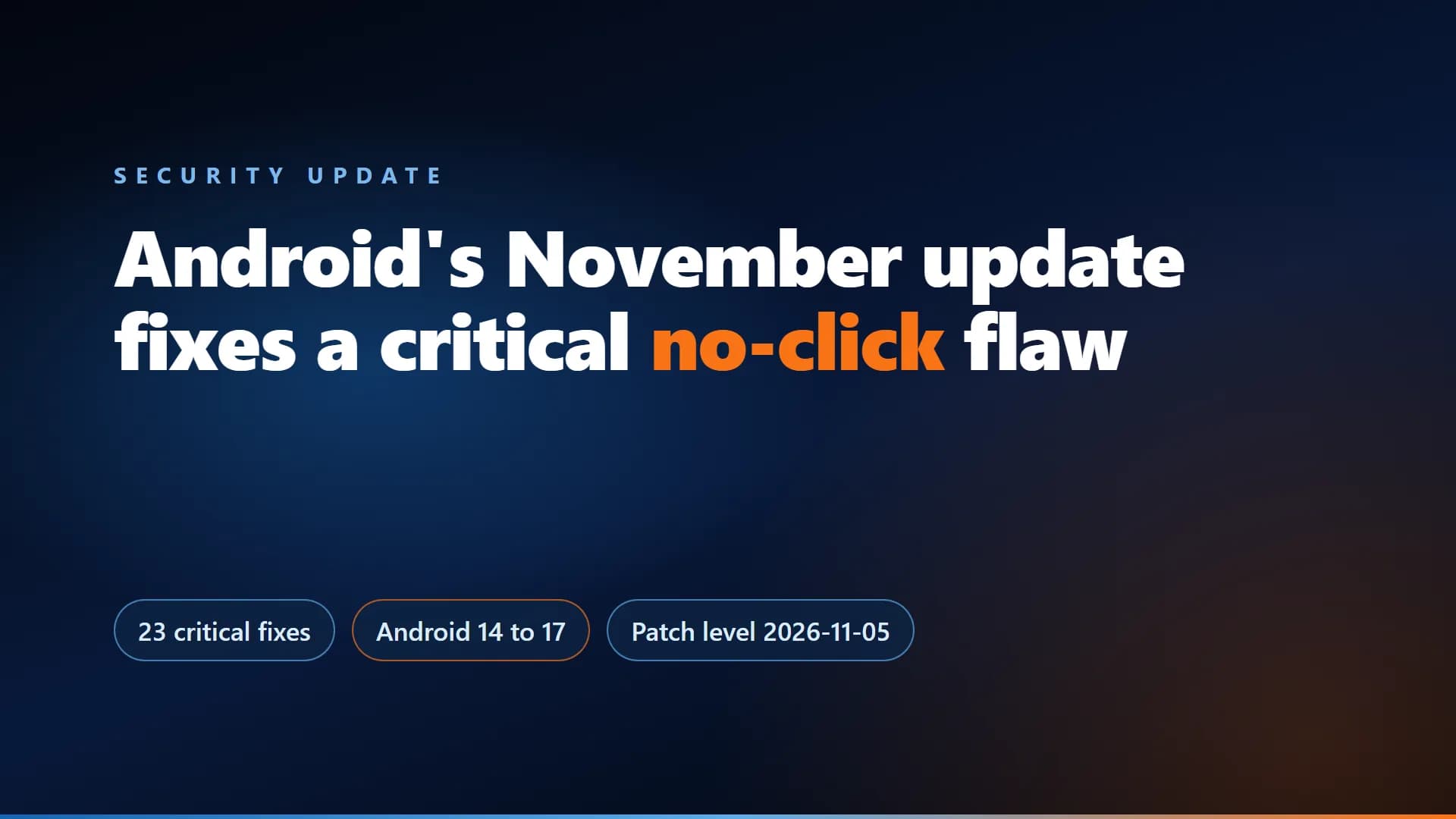
Google's November 2026 Android Security Bulletin, published on 2 November, lists 23 critical fixes. The most severe, CVE-2026-58868, is a remote code execution flaw in the Android Framework that needs no extra privileges and no user interaction, and it affects Android 14 to 17. The bulletin does not report any targeted exploitation. Offices should check every Android device's patch level this week.
What Google published
From the November 2026 Android Security Bulletin:
- Date: published 2 November 2026.
- Patch levels: 2026-11-01 and 2026-11-05. The 2026-11-05 level covers all issues in both levels and in earlier bulletins.
- Size: 23 critical fixes, 8 at the first level and 15 at the second. Counting the tables gives 217 vulnerabilities in total; some outlets report 216.
- Most severe: CVE-2026-58868, a critical remote code execution flaw in the Framework component. The bulletin says it could lead to remote code execution with no additional execution privileges and no user interaction.
- Affected versions: Android 14, 15, 16 and 17.
- Exploitation: the bulletin does not report limited or targeted exploitation.
And Chrome
Google's Chrome Releases blog lists a Stable Channel Update for Desktop dated 3 November 2026. We could not read the release notes, so the figures come from eSecurityPlanet, which reports that Chrome 157 fixes 213 vulnerabilities, seven of them critical. Check those counts against Google's notes before quoting them.
What it means for businesses
A flaw that needs no user action is the kind to patch first. For a small office the work is small:
- List every device. Include staff phones that open company email or WhatsApp, not just office computers.
- Check the patch level. On Android, look under Settings, About phone, for the security update date. 5 November 2026 or later means the 2026-11-05 level is installed. Menus differ by maker, and some phones receive updates later.
- Update and restart Chrome. An update only applies after the browser restarts.
- Replace devices that no longer get updates. A phone that can never be patched is a standing risk.
- Write it down. Note who checked what and when, so the next update is a routine, not a scramble.
This is the kind of routine a monthly IT support contract covers. Our guide to what an IT support contract should cover lists security updates among the basics, and our IT support services team can check and update your devices. Or ask us directly.
Sources
Frequently asked questions
Google’s bulletin, published on 2 November 2026, has two patch levels, 2026-11-01 and 2026-11-05, and lists 23 critical fixes. The most severe, CVE-2026-58868, is a critical remote code execution flaw in the Framework component that needs no additional privileges and no user interaction.
Android 14, 15, 16 and 17, according to the bulletin for the most severe issue.
The bulletin does not report limited or targeted exploitation. That can change, so patch promptly instead of waiting.
Look for the Android security update date in the phone’s settings, usually under About phone. A date of 5 November 2026 or later means the 2026-11-05 level is installed. Menus differ by maker, and updates can arrive later on some phones.
Check that Chrome is updated on every computer and restart it, because an update applies only after a restart. Chrome shows its version and update status in its About page.
Related services
Get new articles by email
How we build automation and software, with the lessons learned. One short email when a new article goes up. No spam.
- #Android
- #Security Update
- #Chrome
- #Patching
- #IT Support